
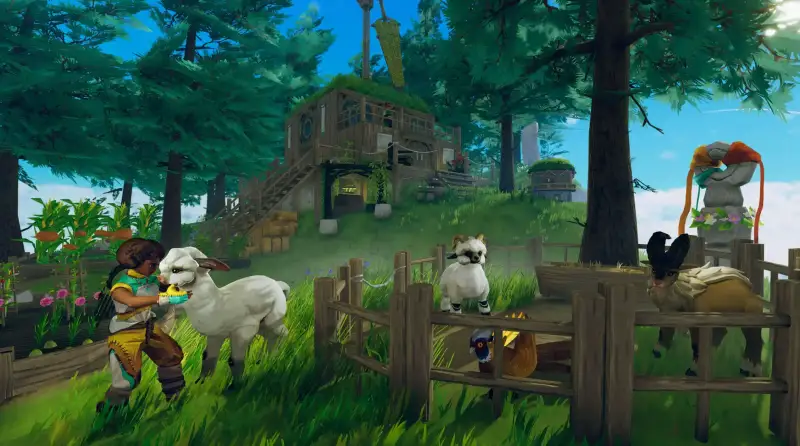
AloftServer Hosting
Your server stays online 24/7. Friends join while you sleep. No port forwarding. No PC left running all night.
- Powerful hardware
- Super quick setup
- We can transfer your existing server to us for free
Location
Location
Location
Pick the exact RAM, CPU, storage and location you need. Full control.
Run your
Aloft server
from one place
No SSH. No 3am forum threads. Every plan includes the full Game Host Bros panel and every feature below.
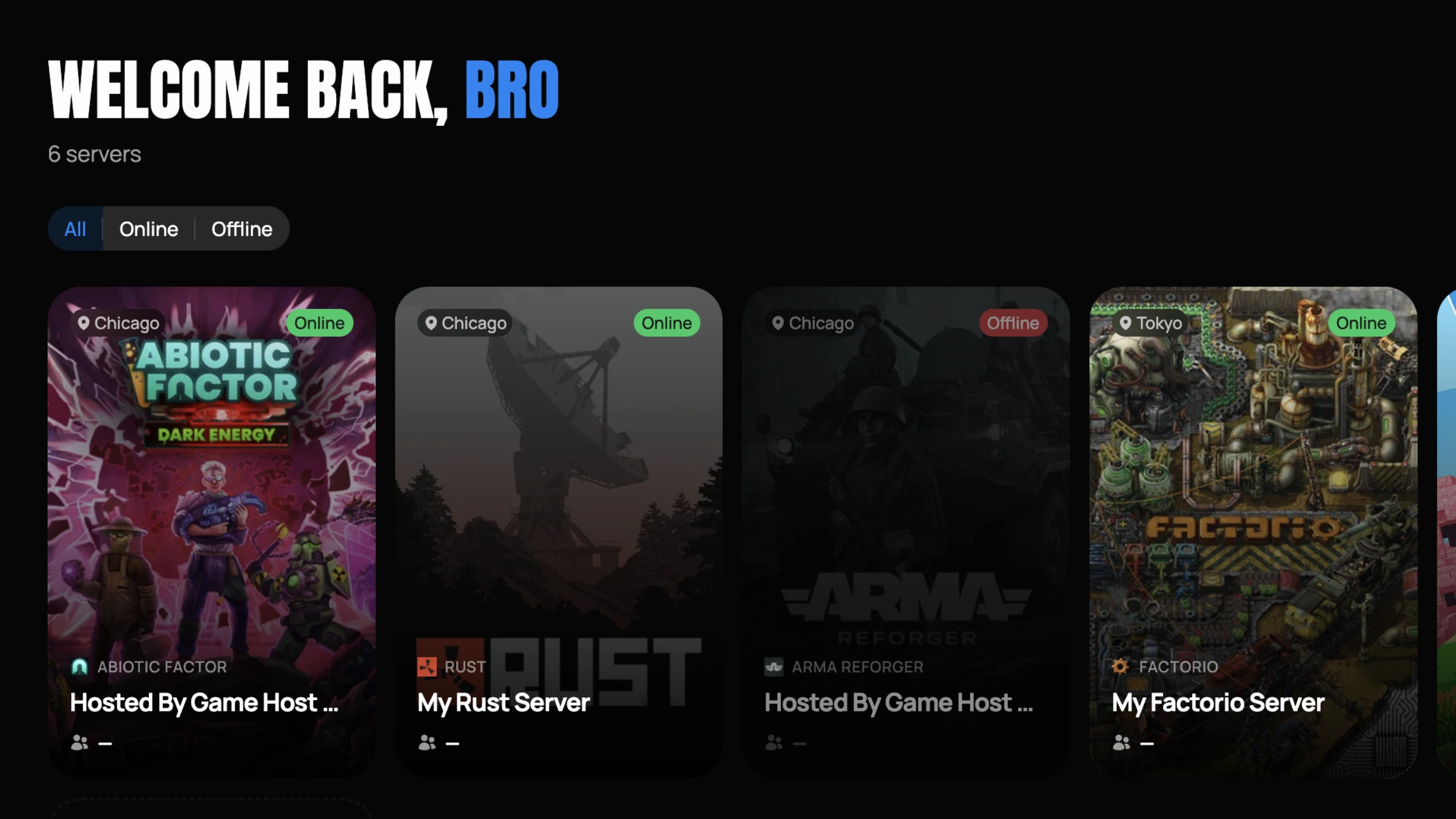
Mission Control
See all your Aloft servers, switch instantly, change settings, monitor performance.
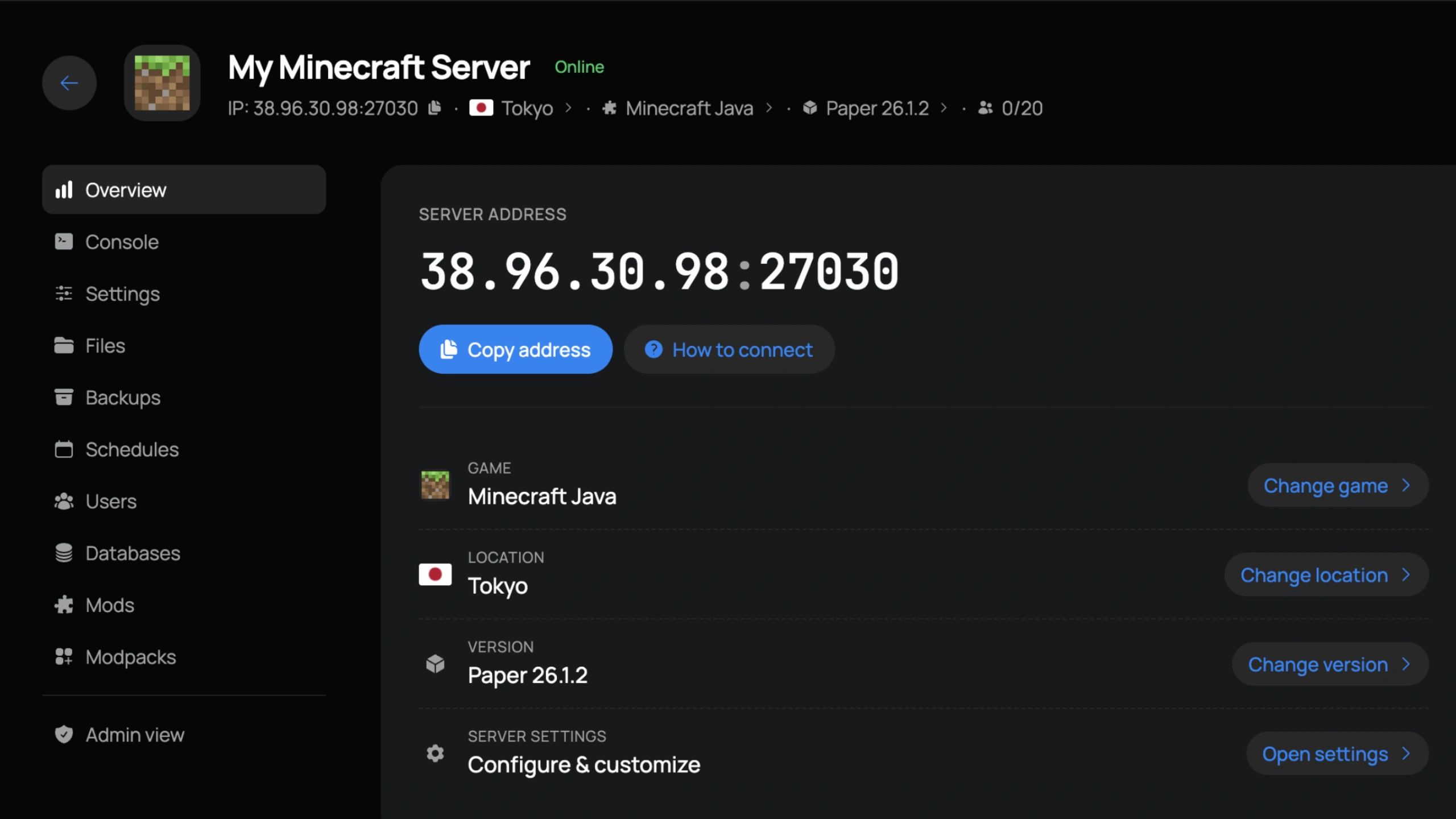
Server Control
IP, location, version, and settings front and center. Copy the connect address or jump to any tab in one click.
Easy Interface
Our panel is easy for first time users, yet powerful enough for seasoned server owners.
Instant Setup
Your server builds itself at checkout. Ready to join in under 60 seconds.
Swap Games
Change your server to any other game we host straight from the panel. No new order needed.
Change Location
Move your server to any in-stock location in a few clicks and keep your ping low.
DDoS Protection
We block attacks before they reach your server. Included free.
Live Console
Real-time console with instant feedback on every command.
File Manager
Edit configs, upload mods, and manage files directly in the browser.
Sub-Users
Add staff with custom roles and granular permissions.
Auto Backups
Daily automatic backups with one-click restore.
Hear it from
the players
Sourced from around the web.
Master your
Aloft server
Step-by-step guides for installing mods, configuring your world, adding admins, and every other tweak our support team gets asked about.
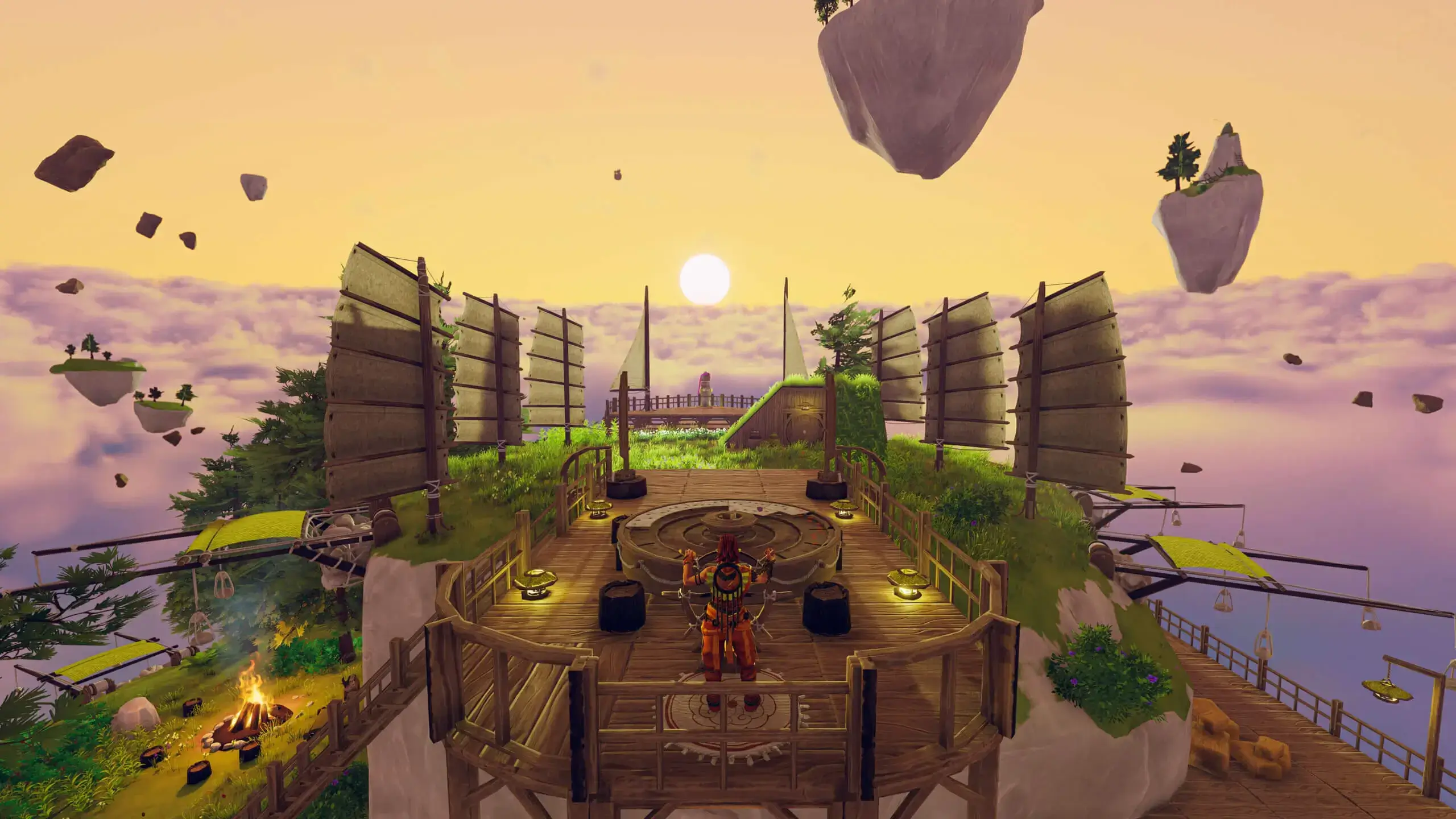
How to Change Your Aloft Server Name
Learn how to easily change your server name on your Aloft dedicated server. Follow our step-by-step guide to update your hostname.
Read the guideGlobal
deployments
Pick the location closest to your squad and keep your ping low. Locations marked restocking are sold out while we add more capacity.
 Los AngelesDallasAshburnRestockingNew YorkMiamiPortlandRestockingChicagoRestocking
 Montreal
 London
 GravelinesParis
 Frankfurt
 Tokyo
Tokyo Singapore
Frequently
asked
Answers to the most common questions about Aloft hosting.
About
Aloft
Aloft is a sky-island survival game from Astrolabe Interactive where players explore floating islands drifting through the clouds. You build bases on these airborne landmasses, craft tools and equipment, tend to ecosystems, and sail between islands to discover new biomes and resources. The game focuses on a lighter, more creative survival experience with an emphasis on exploration and island management, and it is at its best in co-op on a persistent Aloft server.
A dedicated Aloft server lets your group explore the skies together without relying on peer-to-peer connections. The server stays online so friends can join anytime, and you have direct control over server settings including max player count, server name, and other configuration options. This is especially useful for groups who want a persistent world where progress carries over between play sessions.
Game Host Bros offers Aloft server hosting with settings integrated directly into our game panel under Server Options. You can configure your server name, adjust max players, and manage other settings without editing files manually. Free server transfers are available if you are migrating from another host, and our File Manager gives you direct access to server files for any advanced configuration. All servers run on AMD Ryzen 9 9950X processors with NVMe storage across 14 global server locations.
Aloft is available on Steam as an early access title. Server configuration is handled through our game panel, and our guides cover connecting to your server, changing server names, adjusting max players, configuring settings, and resetting your world when needed.
Game Host Bros provides the best Aloft dedicated server hosting from $15.99/mo. Our Aloft server hosting includes instant setup, automatic backups, configurable player limits, and 14 global locations for exploring flying islands with friends.

Spin up
Aloft
Online in 60 seconds, DDoS protection included, and a 7-day money-back guarantee. Not locked in either. Switch to any other game we host at any time.