
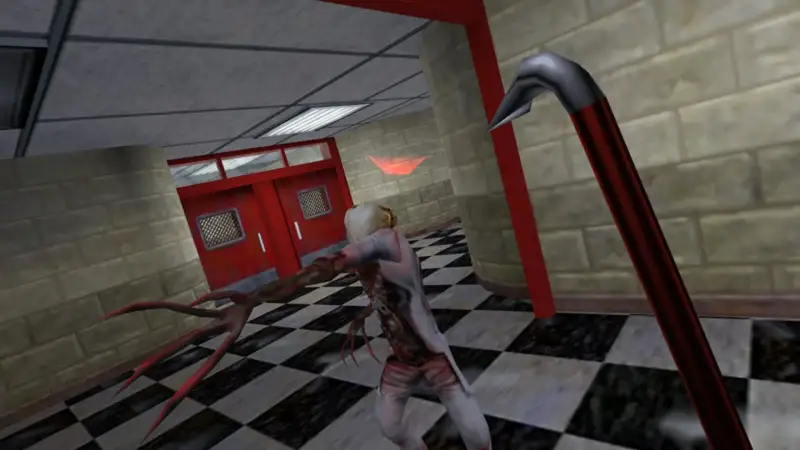
Team Fortress ClassicServer Hosting
Your server stays online 24/7. Friends join while you sleep. No port forwarding. No PC left running all night.
- Instant setup
- Install AMX Mod X with 1 click
- Automatic FastDL included that also works with custom mods
Location
Location
Location
Pick the exact RAM, CPU, storage and location you need. Full control.
Run your
TFC server
from one place
No SSH. No 3am forum threads. Every plan includes the full Game Host Bros panel and every feature below.
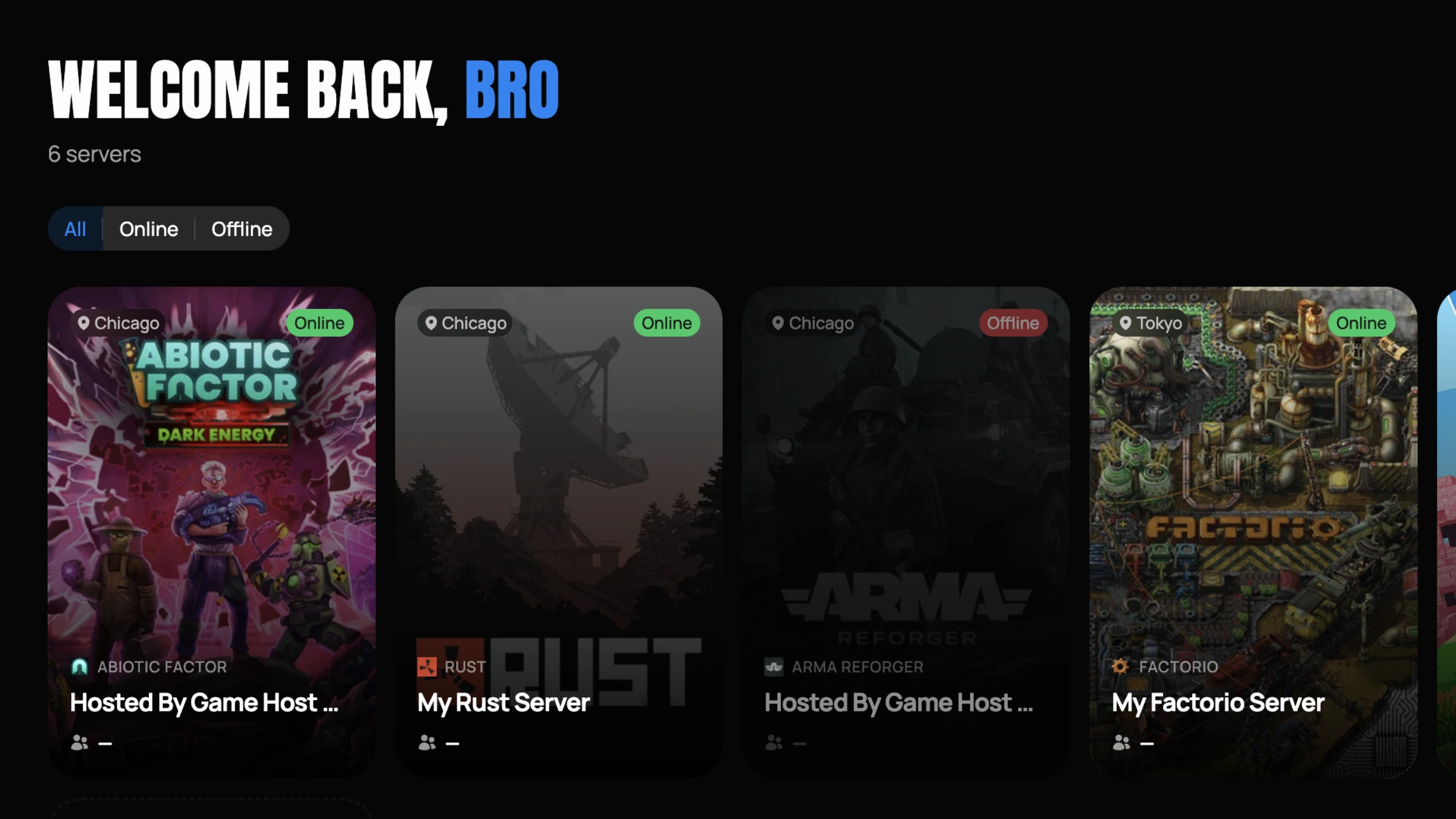
Mission Control
See all your TFC servers, switch instantly, change settings, monitor performance.
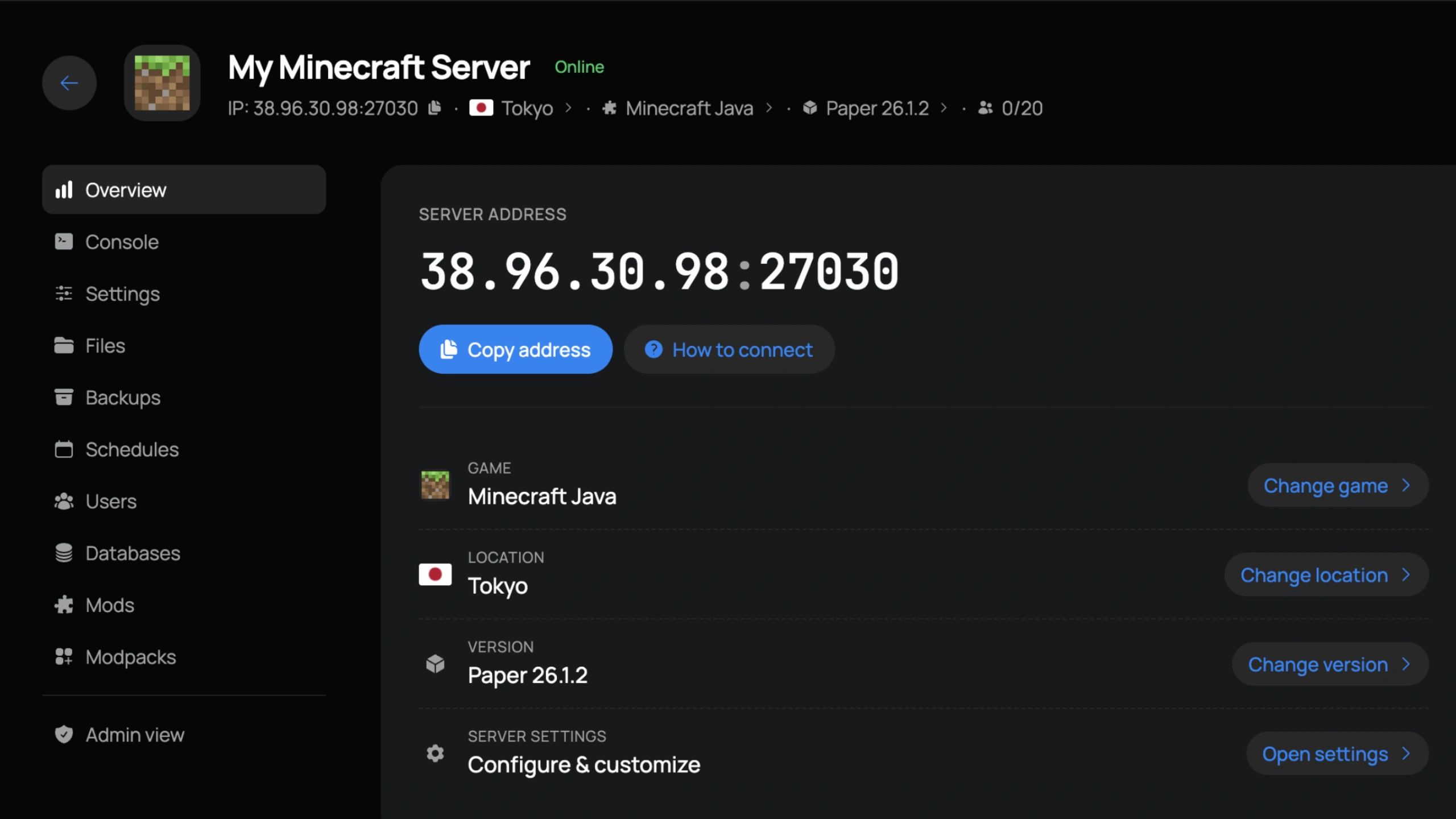
Server Control
IP, location, version, and settings front and center. Copy the connect address or jump to any tab in one click.
Easy Interface
Our panel is easy for first time users, yet powerful enough for seasoned server owners.
Instant Setup
Your server builds itself at checkout. Ready to join in under 60 seconds.
Swap Games
Change your server to any other game we host straight from the panel. No new order needed.
Change Location
Move your server to any in-stock location in a few clicks and keep your ping low.
DDoS Protection
We block attacks before they reach your server. Included free.
Live Console
Real-time console with instant feedback on every command.
File Manager
Edit configs, upload mods, and manage files directly in the browser.
Sub-Users
Add staff with custom roles and granular permissions.
Auto Backups
Daily automatic backups with one-click restore.
Hear it from
the players
Sourced from around the web.
Master your
TFC server
Step-by-step guides for installing mods, configuring your world, adding admins, and every other tweak our support team gets asked about.
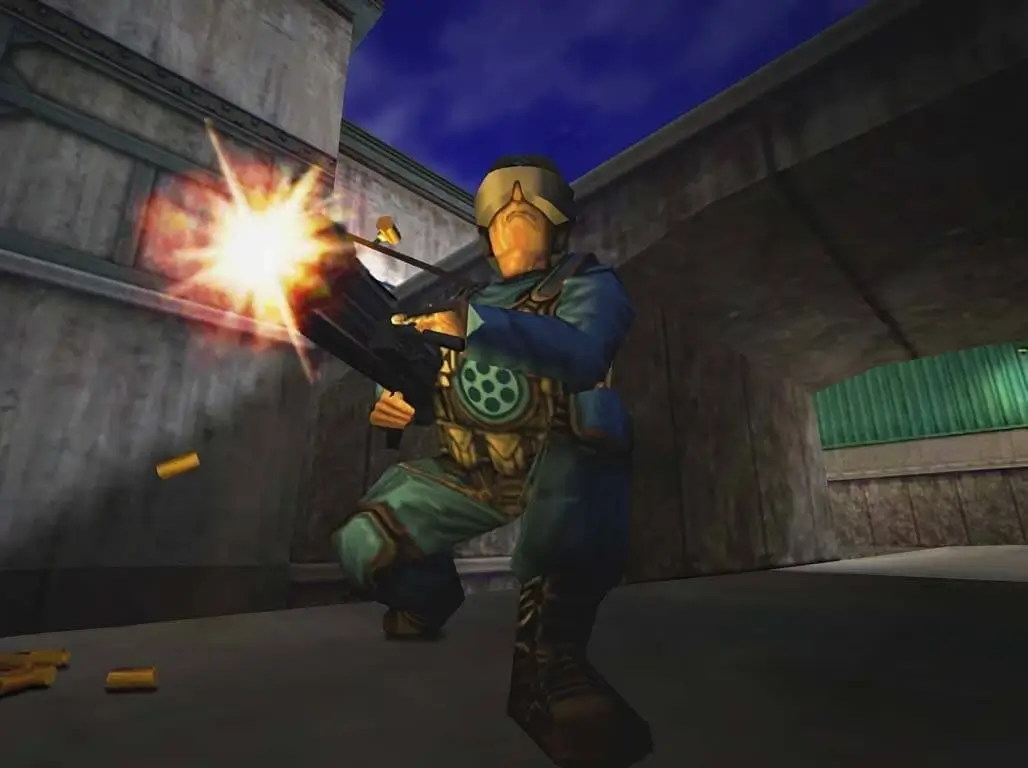
How To Change Your Team Fortress Classic Server Map
Learn how to change the map on your Team Fortress Classic dedicated server.
Read the guideGlobal
deployments
Pick the location closest to your squad and keep your ping low. Locations marked restocking are sold out while we add more capacity.
 Los AngelesDallasAshburnRestockingNew YorkMiamiPortlandRestockingChicagoRestocking
 Montreal
 London
 GravelinesParis
 Frankfurt
 Tokyo
Tokyo Singapore
Frequently
asked
Answers to the most common questions about Team Fortress Classic hosting.
About
TFC
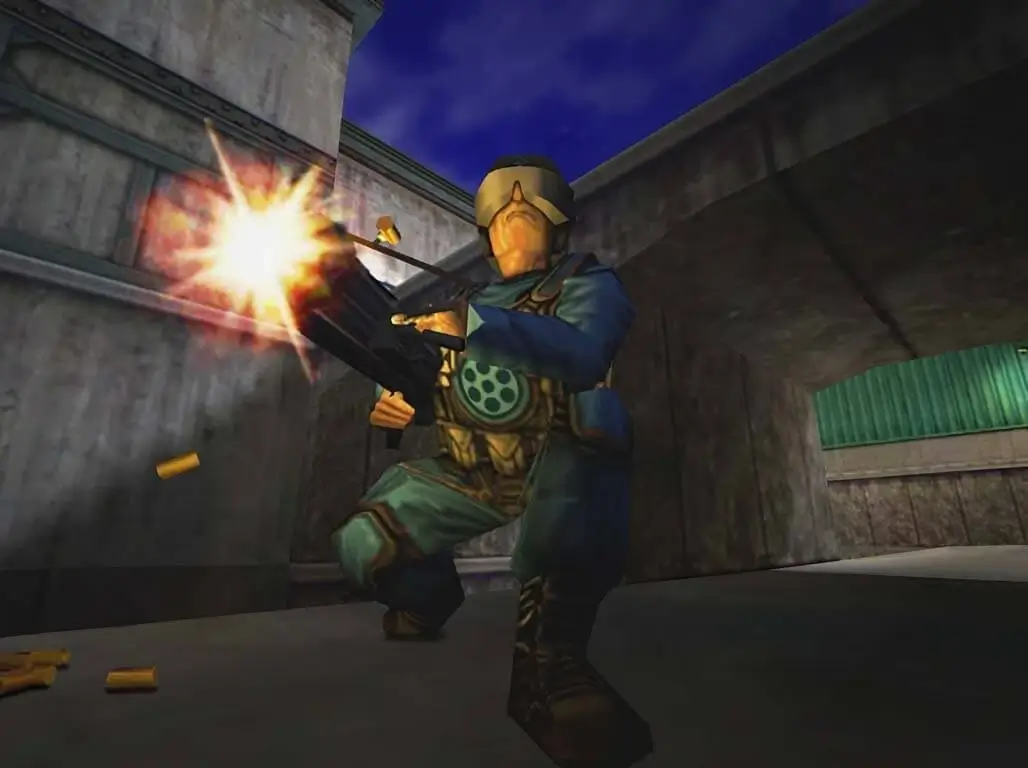
Team Fortress Classic is the GoldSrc engine class-based shooter that helped establish team-oriented multiplayer FPS gaming. Originally a Quake mod ported to the Half-Life engine, TFC features nine classes with distinct weapons and abilities across modes like Capture the Flag, Control Point, and Hunted. It remains a piece of FPS history with a community that still keeps Team Fortress Classic servers running.
Hosting your own TFC dedicated server lets you bring back the classic experience on your terms. Control map rotations, server rules, player limits, and mod configurations. Whether you are running a nostalgia server for veterans or setting up a community around classic class-based combat, a dedicated server is the only way to customize the TFC experience.
Game Host Bros runs TFC servers on AMD Ryzen 9 9950X processors with NVMe storage across 14 global locations. AMX Mod X and Metamod-R install through our 1-click Mod Manager for plugin support including admin tools and gameplay modifications. Automatic FastDL compresses and serves custom maps, models, and sounds to connecting players. The Custom Game Folder option in Server Options also lets you run other Half-Life mods like The Specialist or Ricochet from the same server. Maps, configs, and files are managed through the File Manager and SFTP.
TFC is available on Steam with unlimited player slots included. The AMX Mod X ecosystem supports admin plugins, custom game modes, and server management tools. All servers include DDoS protection, automatic FastDL that works with custom mods, and a 7-day money-back guarantee.
Game Host Bros offers the best Team Fortress Classic server hosting from $7.99/mo. Rent a TFC dedicated server with instant setup, AMX Mod X, Metamod, automatic FastDL, and unlimited player slots across 14 global locations, and keep one of the great Team Fortress Classic servers online for your community.
Spin up
TFC
Online in 60 seconds, DDoS protection included, and a 7-day money-back guarantee. Not locked in either. Switch to any other game we host at any time.