
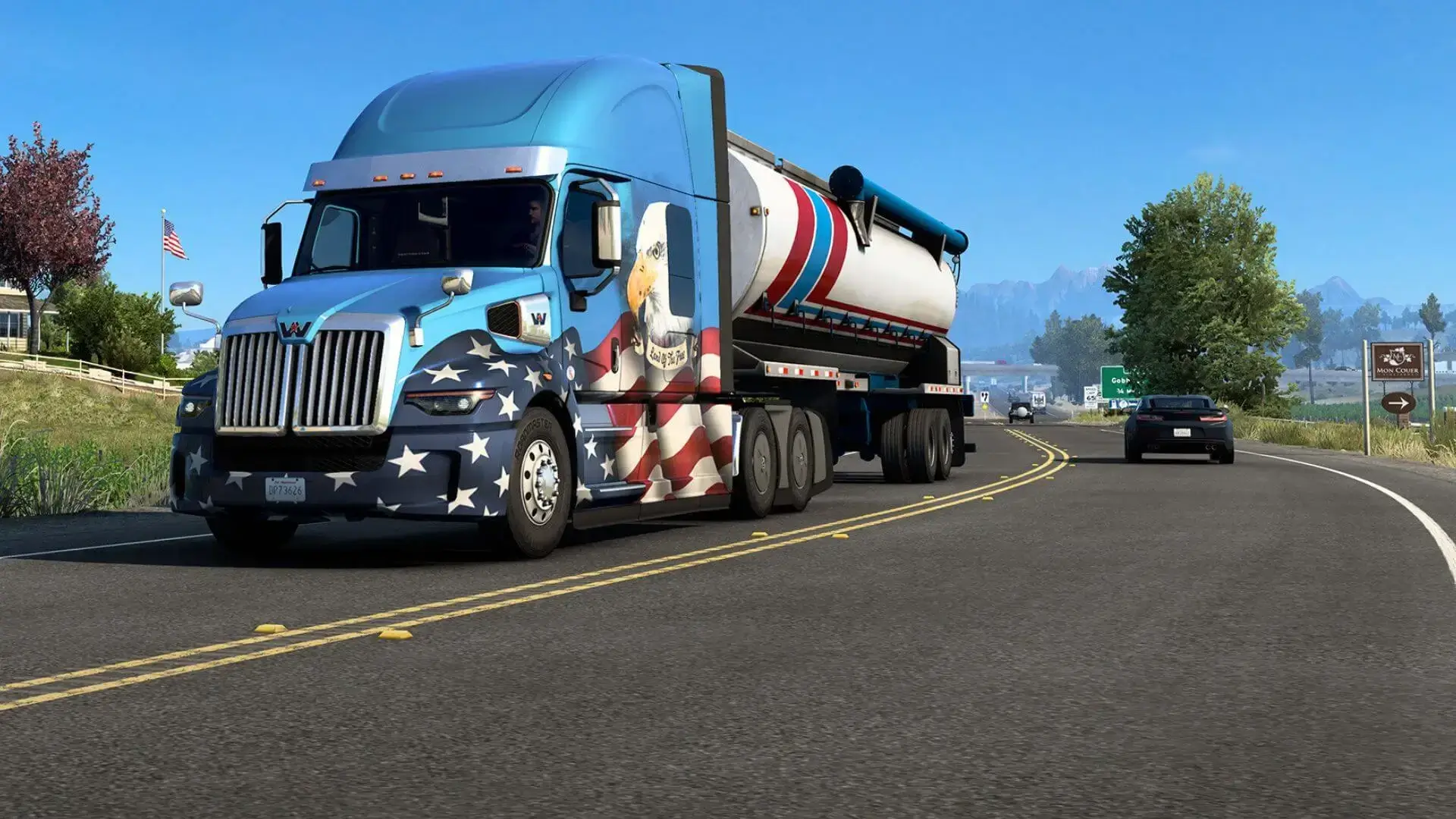
Here is how you create a GSLT for American Truck Simulator and add it to your server. This is required by Valve to be displayed in the server list.
Creating a GSLT
- 1Go here and login with your Steam account.
- 2Under
App ID, enter270880for ATS, then name the memo anything you want. - 3Visit Bropanel and select your American Truck Simulator server.
- 4In the sidebar, go to
Settings. - 5Enter your token under
Steam Auth token. - 6Click
Consolein the sidebar, and then restart your server.
Note
Each ATS server you run requires its own GSLT.