
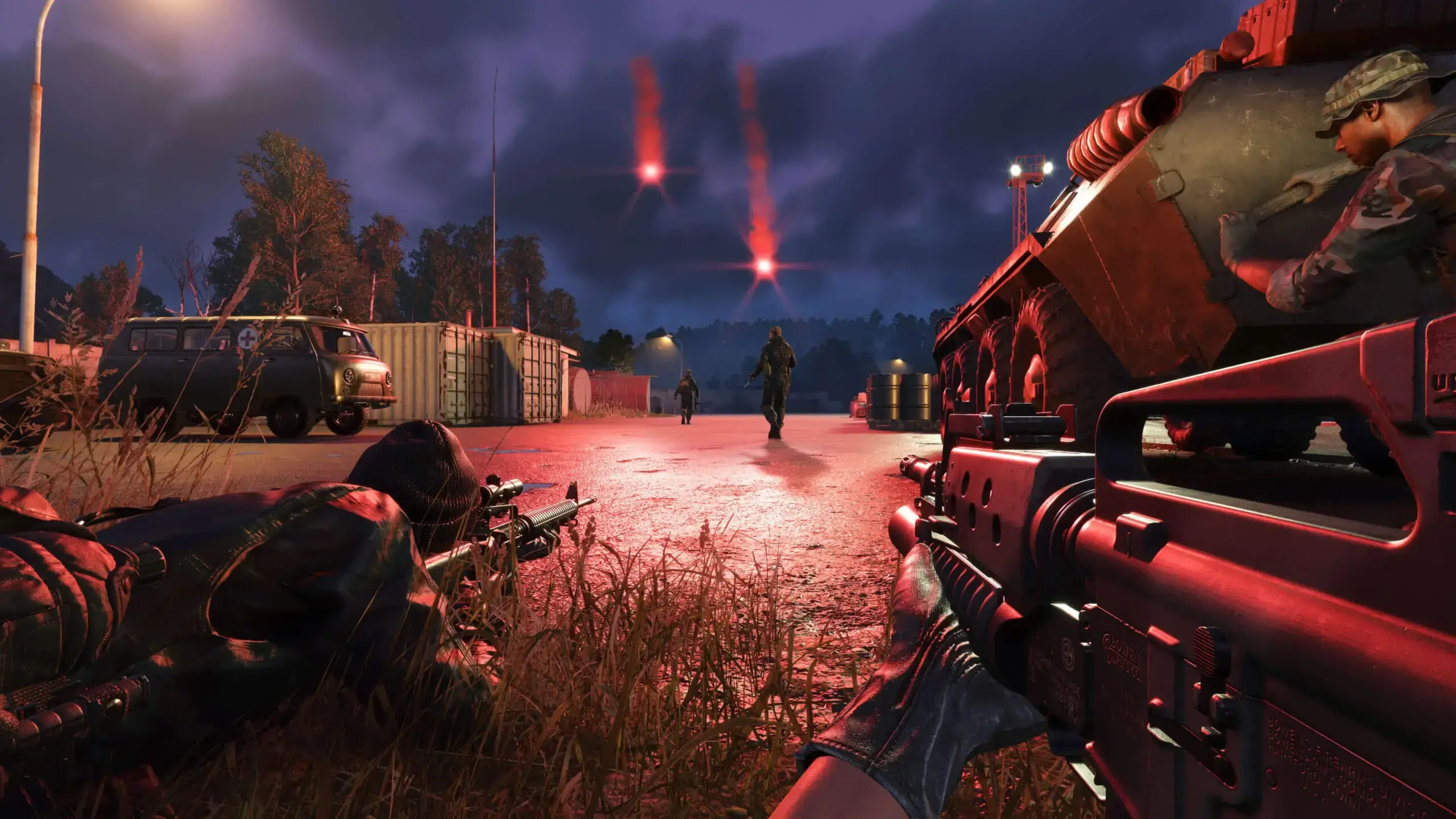
This guide will show you how to change the scenario (mission) on your Arma Reforger server. Scenarios determine the game mode, map, and objectives for your server. This guide also includes all of the official scenarios you can choose from.
Changing Your Arma Reforger Server Scenario
- 1Log in to Bropanel and
Stopyour Arma Reforger server. - 2In the sidebar, go to
Settings. - 3Under
Gameplay, editScenario IDand enter your desired scenario. - 4Click
Save & Restartto apply your changes.
Modded scenarios can also be hosted. The correct Scenario ID for a modded scenario can be found on the Arma Reforger Mod workshop website.
Here's a general overview of the standard scenario gamemodes:
- Conflict: Large-scale PvP warfare where factions capture strategic objectives, manage supply lines, and build defensive structures to control territory.
- Combat Ops: Cooperative PvE missions where small teams complete specific objectives against AI enemies with limited resources.
- Capture & Hold: Fast-paced competitive matches focused on controlling key locations for set time periods.
- Elimination: Team-based PvP matches where the objective is to eliminate all enemy players with no respawns.
- Game Master: Sandbox mode allowing players to create custom scenarios, spawn units, and control live events in real-time.
- Training: Tutorial missions teaching essential Arma Reforger gameplay mechanics, controls, and combat basics.
Available Official Scenarios
| Scenario ID | Mission Name |
|---|---|
{ECC61978EDCC2B5A}Missions/23_Campaign.conf | Conflict - Everon |
{002AF7323E0129AF}Missions/Tutorial.conf | Training |
{59AD59368755F41A}Missions/21_GM_Eden.conf | Game Master - Everon |
{2BBBE828037C6F4B}Missions/22_GM_Arland.conf | Game Master - Arland |
{F45C6C15D31252E6}Missions/27_GM_Cain.conf | Game Master - Kolguyev |
{C700DB41F0C546E1}Missions/23_Campaign_NorthCentral.conf | Conflict - Northern Everon |
{28802845ADA64D52}Missions/23_Campaign_SWCoast.conf | Conflict - Southern Everon |
{94992A3D7CE4FF8A}Missions/23_Campaign_Western.conf | Conflict - Western Everon |
{FDE33AFE2ED7875B}Missions/23_Campaign_Montignac.conf | Conflict - Montignac |
{DAA03C6E6099D50F}Missions/24_CombatOps.conf | Combat Ops - Arland |
{C41618FD18E9D714}Missions/23_Campaign_Arland.conf | Conflict - Arland |
{DFAC5FABD11F2390}Missions/26_CombatOpsEveron.conf | Combat Ops - Everon |
{3F2E005F43DBD2F8}Missions/CAH_Briars_Coast.conf | Capture & Hold - Briars |
{F1A1BEA67132113E}Missions/CAH_Castle.conf | Capture & Hold - Montfort Castle |
{589945FB9FA7B97D}Missions/CAH_Concrete_Plant.conf | Capture & Hold - Concrete Plant |
{9405201CBD22A30C}Missions/CAH_Factory.conf | Capture & Hold - Almara Factory |
{1CD06B409C6FAE56}Missions/CAH_Forest.conf | Capture & Hold - Simon's Wood |
{7C491B1FCC0FF0E1}Missions/CAH_LeMoule.conf | Capture & Hold - Le Moule |
{6EA2E454519E5869}Missions/CAH_Military_Base.conf | Capture & Hold - Camp Blake |
{2B4183DF23E88249}Missions/CAH_Morton.conf | Capture & Hold - Morton |
{C47A1A6245A13B26}Missions/SP01_ReginaV2.conf | Elimination |
{0648CDB32D6B02B3}Missions/SP02_AirSupport.conf | Air Support |
{0220741028718E7F}Missions/23_Campaign_HQC_Everon.conf | Conflict: HQ Commander - Everon |
{68D1240A11492545}Missions/23_Campaign_HQC_Arland.conf | Conflict: HQ Commander - Arland |
{BB5345C22DD2B655}Missions/23_Campaign_HQC_Cain.conf | Conflict: HQ Commander - Kolguyev |
{10B8582BAD9F7040}Missions/Scenario01_Intro.conf | Omega 01: Over The Hills And Far Away |
{1D76AF6DC4DF0577}Missions/Scenario02_Steal.conf | Omega 02: Radio Check |
{D1647575BCEA5A05}Missions/Scenario03_Villa.conf | Omega 03: Light In The Dark |
{6D224A109B973DD8}Missions/Scenario04_Sabotage.conf | Omega 04: Red Silence |
{FA2AB0181129CB16}Missions/Scenario05_Hill.conf | Omega 05: Cliffhanger |
{CB347F2F10065C9C}Missions/CombatOpsCain.conf | Combat Ops - Kolguyev |
Tip
The most popular scenarios are the Conflict modes on Everon, the Combat Ops missions, and Capture & Hold gamemodes. While Game Master modes allow for custom scripted events and scenarios.