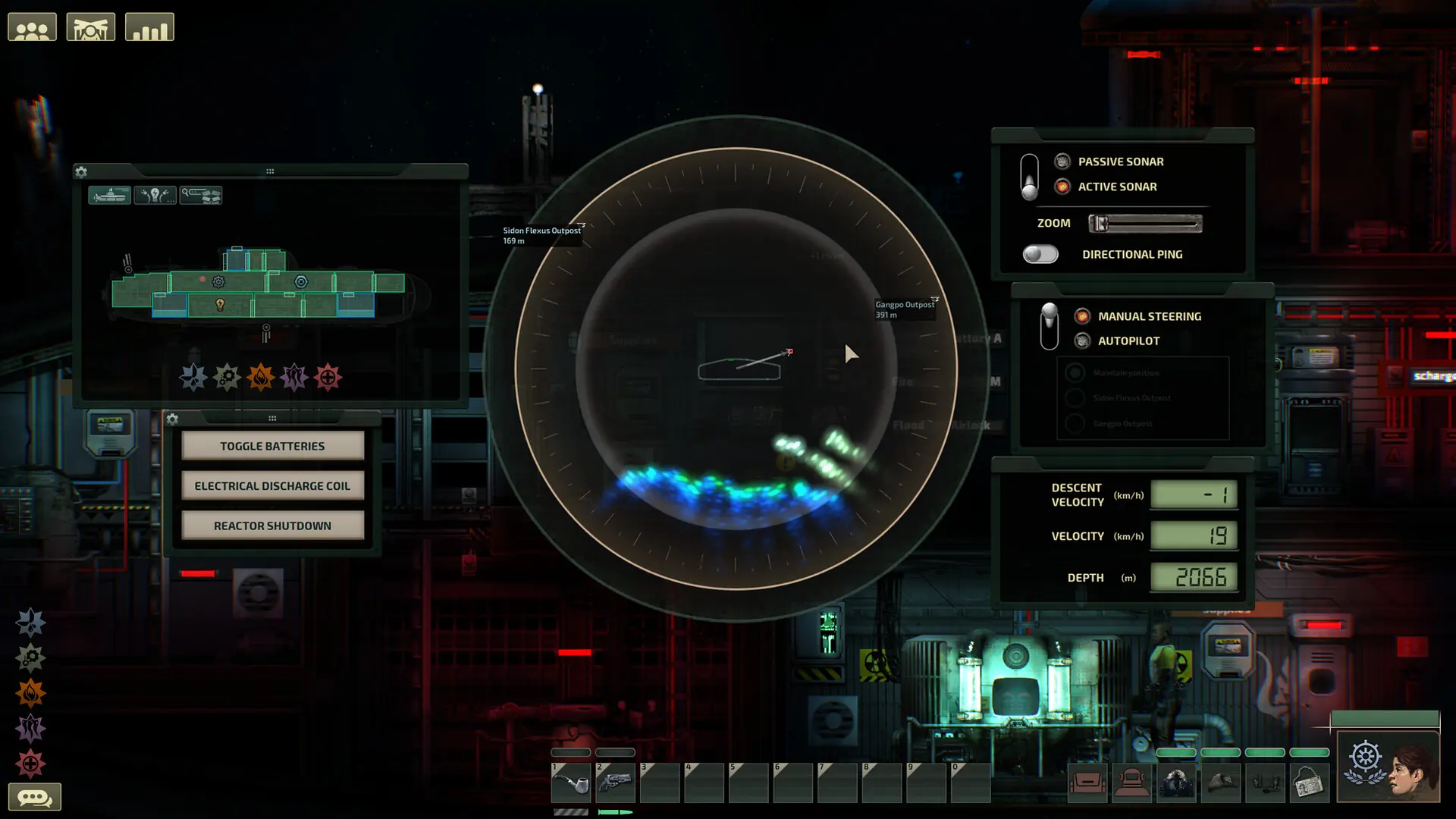
Some Barotrauma mods, like Neurotrauma, run Lua code on the server and need LuaCs (Lua for Barotrauma) installed on your Barotrauma server. Your server installs it for you when you turn on the setting below.
Enabling LuaCs
- Log in to Bropanel and select your server.
- In the sidebar, go to
Settings. - Under
Modding, enableEnable LuaCs (Lua for Barotrauma). - Click
Save & Restartto apply your changes.
When your server starts, the console shows LuaCs (Lua for Barotrauma) is enabled. You can now install your mods as usual.
When Auto Update is enabled, LuaCs updates to the latest version every time your server restarts.
Players don't need LuaCs installed to join unless a mod's Workshop page says it needs client-side Lua.
Disabling LuaCs
To go back to the vanilla server, disable Enable LuaCs (Lua for Barotrauma) under Modding in Settings, then click Save & Restart. Your server removes LuaCs and puts the original game files back.