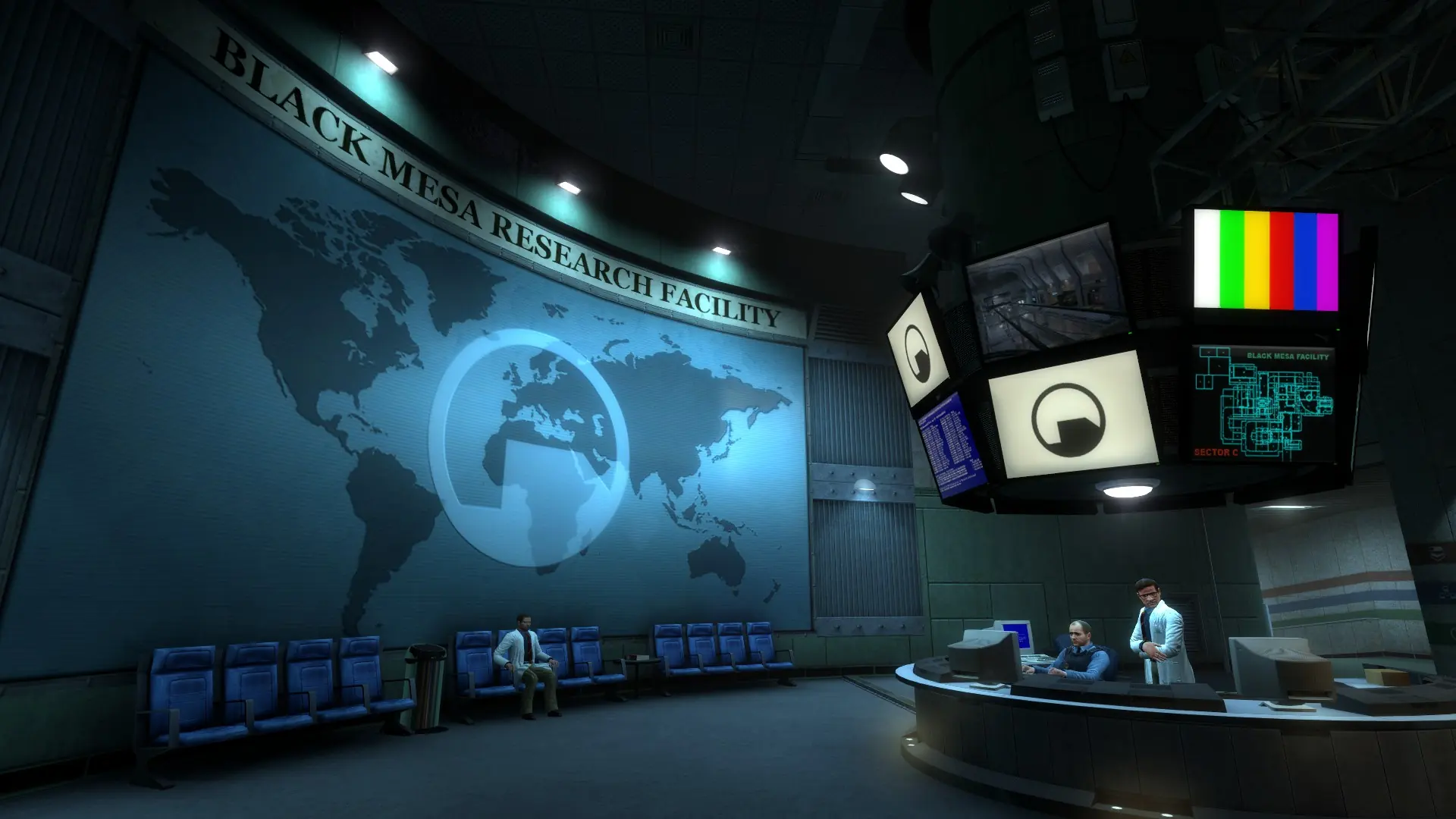
Here is how to choose the map your Black Mesa server starts on, add custom maps and set up a map rotation.
The starting map also picks the mode. Deathmatch maps start with dm_, and any other map plays the campaign in co-op.
Changing The Starting Map
- Log in to Bropanel and select your server.
- In the sidebar, go to
Settings. - Under
Gameplay, editDefault Map. Enter the map name without.bsp, for exampledm_stalkyardfor deathmatch orbm_c0a0afor the co-op campaign. - Click
Save & Restartto apply your changes.
The stock deathmatch maps are dm_boom, dm_bounce, dm_chopper, dm_crossfire, dm_gasworks, dm_lambdabunker, dm_power, dm_rail, dm_stack, dm_stalkyard, dm_subtransit and dm_undertow. The campaign's chapter maps are listed in play co-op.
Adding Custom Maps
- Log in to Bropanel and
Stopyour server. - In the sidebar, go to
Files. - Navigate to
bms/maps. - Start your server.
If the map came with materials, models or sound folders, upload them into the bms folder so they merge with the folders already there. Custom content is synced to FastDL when your server starts, so players download it quickly when they join.
Custom deathmatch maps need a name starting with dm_. A map with any other name starts your server in co-op.
Setting Up A Map Rotation
- Log in to Bropanel and
Stopyour server. - In the sidebar, go to
Files. - Navigate to
bms/cfgand openmapcycle.txt. - Add one map name per line, without
.bsp. - Start your server.
In deathmatch, the server moves to the next map in the list when the time or frag limit is reached. Set those with mp_timelimit and mp_fraglimit in server.cfg, see config files. The time limit is in seconds in Black Mesa, so mp_timelimit 900 is 15 minutes. In co-op, the campaign moves from map to map by itself, so the list isn't used.