
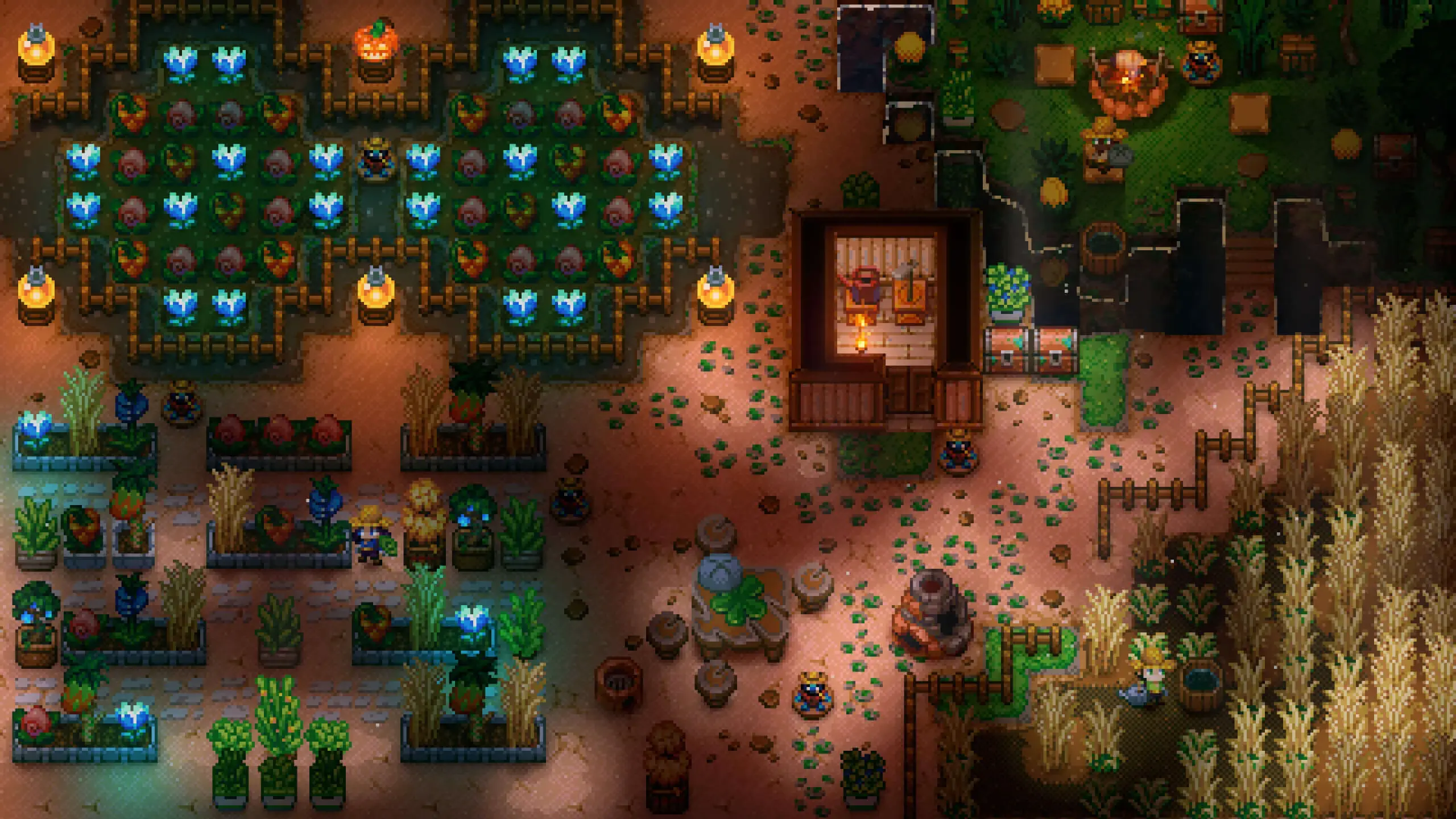
At Game Host Bros, we've integrated basic Core Keeper settings directly into our game panel. Here's how to quickly and easily configure your new Core Keeper server.
Configuring Your Core Keeper Server
- 1Log in to Bropanel and select your server.
- 2In the sidebar, go to
Settings. - 3Edit the settings you'd like to change.
- 4Click
Save & Restartto apply your changes.