
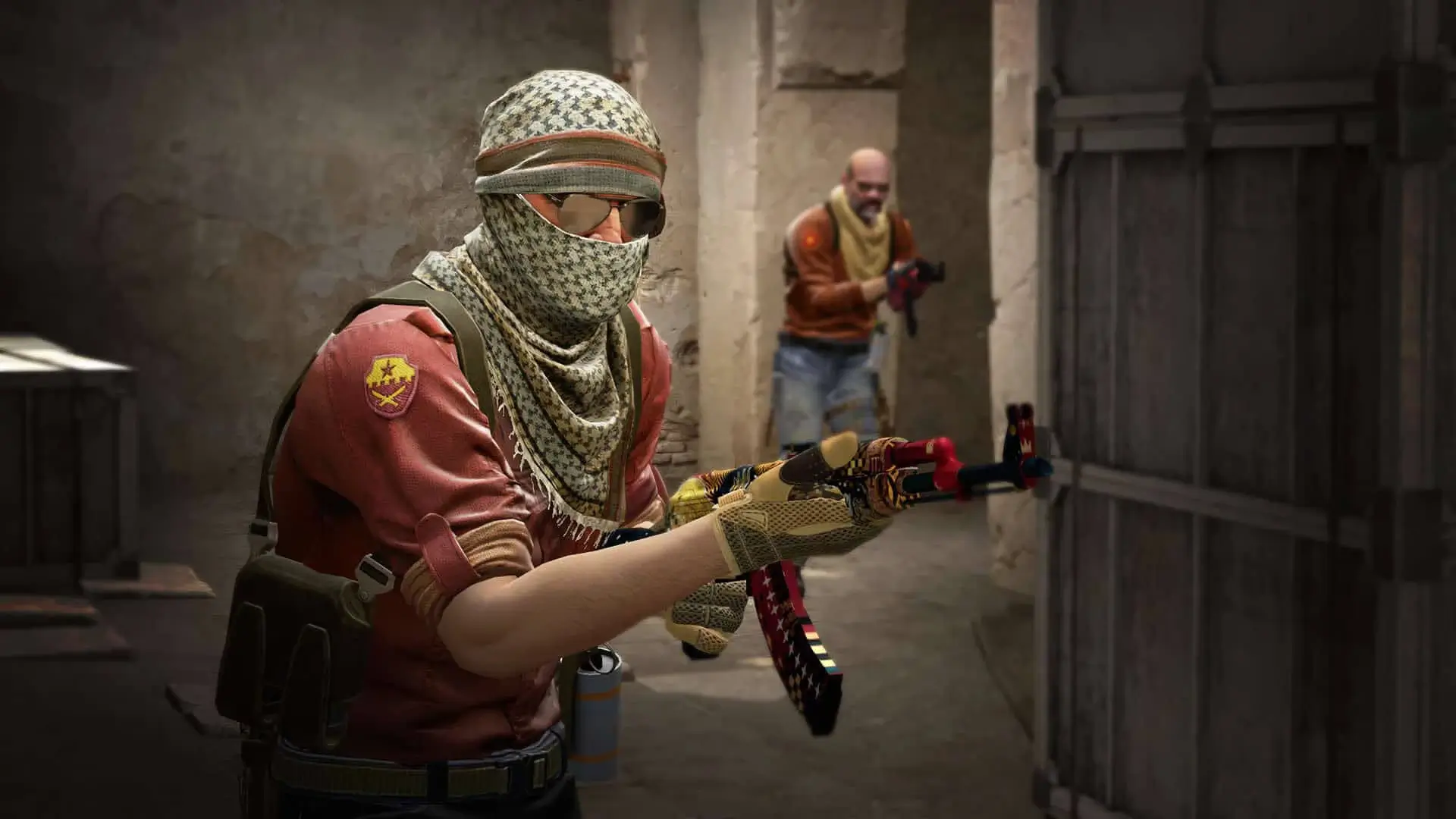
Here is how you can join your CS2 dedicated server using the IP address.
How to Connect Using the Console
- 1Log in to Bropanel and select your CS2 server.
- 2Copy the server IP address from the
Overviewpage. - 3Open Counter-Strike 2.
- 4In the sidebar, go to
Settings, then to theGame tab. - 5If not already done, activate the
Developer Console (~)by setting it toYES. - 6Open the console, type
connect, then paste the copied server IP, and press Enter to connect.
How to Add Your Server to Your Favorites
- 1Log in to Bropanel and select your CS2 server.
- 2Copy the server IP address from the
Overviewpage. - 3Open Steam and select
View → Game Serversfrom the top menu. - 4Select the Favorites tab and press the
+icon to enter your IP address.