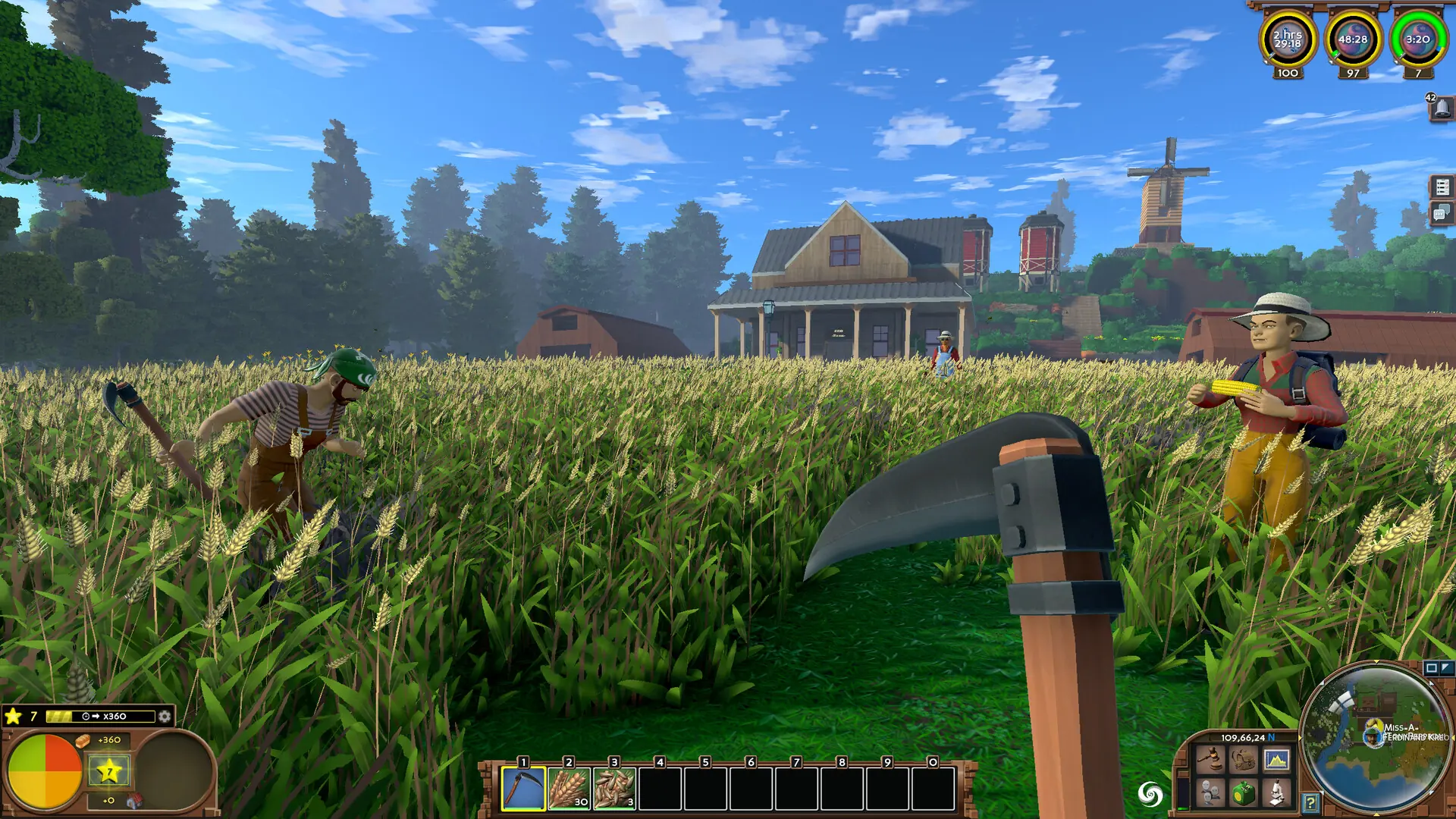
In this guide, you will learn how to install mods on your Eco server. You can download mods from mod.io.
Finding Eco Mods
- Go to this website: mod.io.
- Select the mod you wish to download.
- Click the Manual Download button in the sidebar.
Uploading Mods To Your Eco Server
- Log in to Bropanel and
Stopyour server. - In the sidebar, go to
Filesand enterMods. - Check the mod's description for installation instructions, as some mods are installed into
Mods/UserCodeinstead. - Upload the file you downloaded.
- Once uploaded,
Extractthe archive. - Start your server.
Here's what your server should now look like:
Mods
ExampleMod.zipExtract me!
UserCode Some mods are installed in here instead