
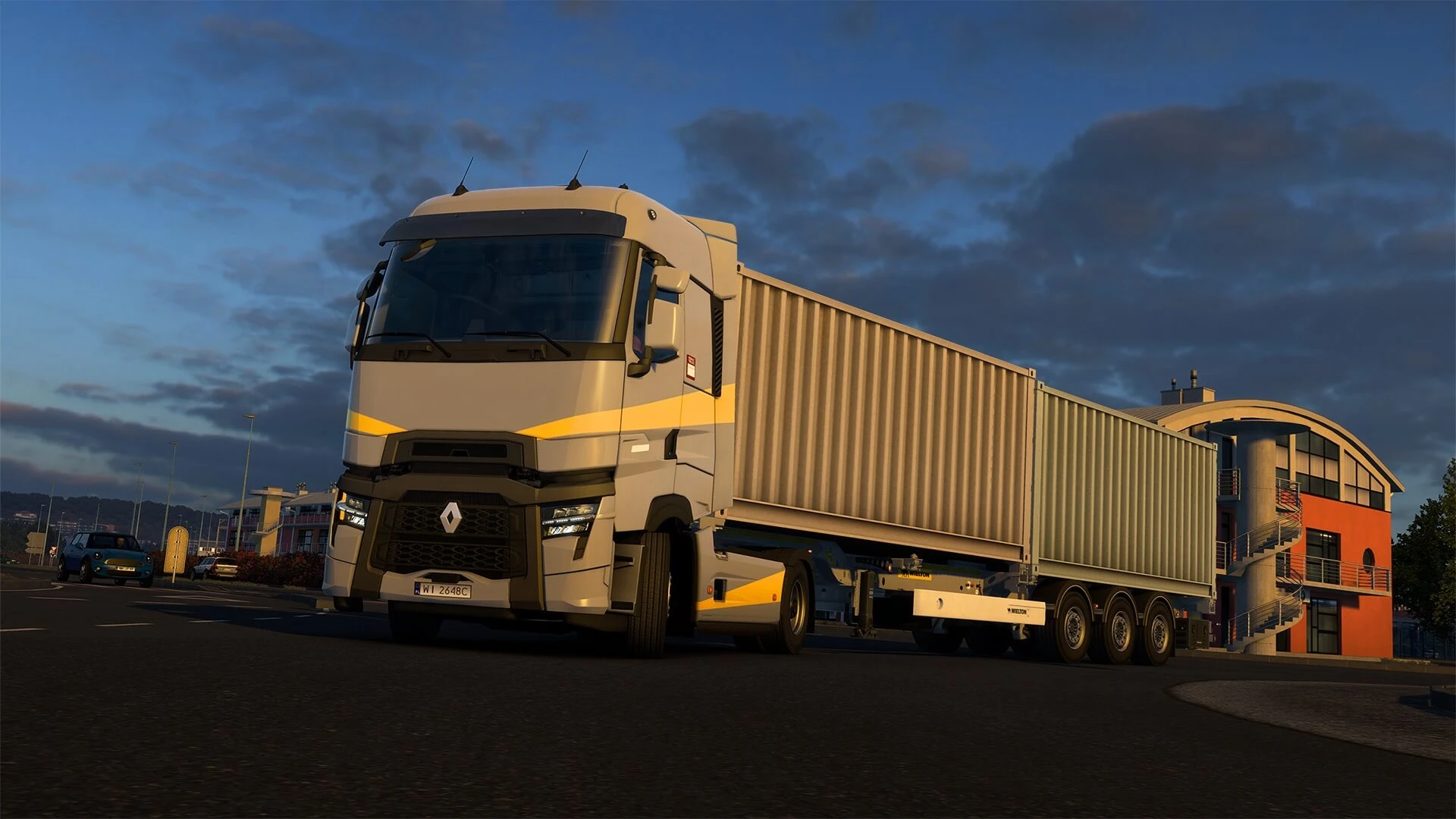
If you don't want to play Euro Truck Simulator 2 on the latest public version and would rather play a different beta branch to play older versions, here's how to change the version of your Euro Truck Simulator 2 server.
When changing server versions, you must also change your ETS 2 game version to match the version of your server. The process for downgrading your game version can be found here.
Danger
Changing ETS 2 server versions will reset mod files and other non-default files on your server.
Please be aware that you may experience issues with any game rollback.
Changing Steam Beta Version
- 1Log in to Bropanel and
Stopyour server. - 2In the sidebar, go to
Settings. - 3Edit
Steam Beta Branchwith the version you want to use (A list of versions is below). - 4Click
Reinstallin the top-right. - 5Select
Format (keep settings), then confirm and wait for the install to finish.
Here are the currently available beta branches to choose from. They can be found here:
The latest version is public.