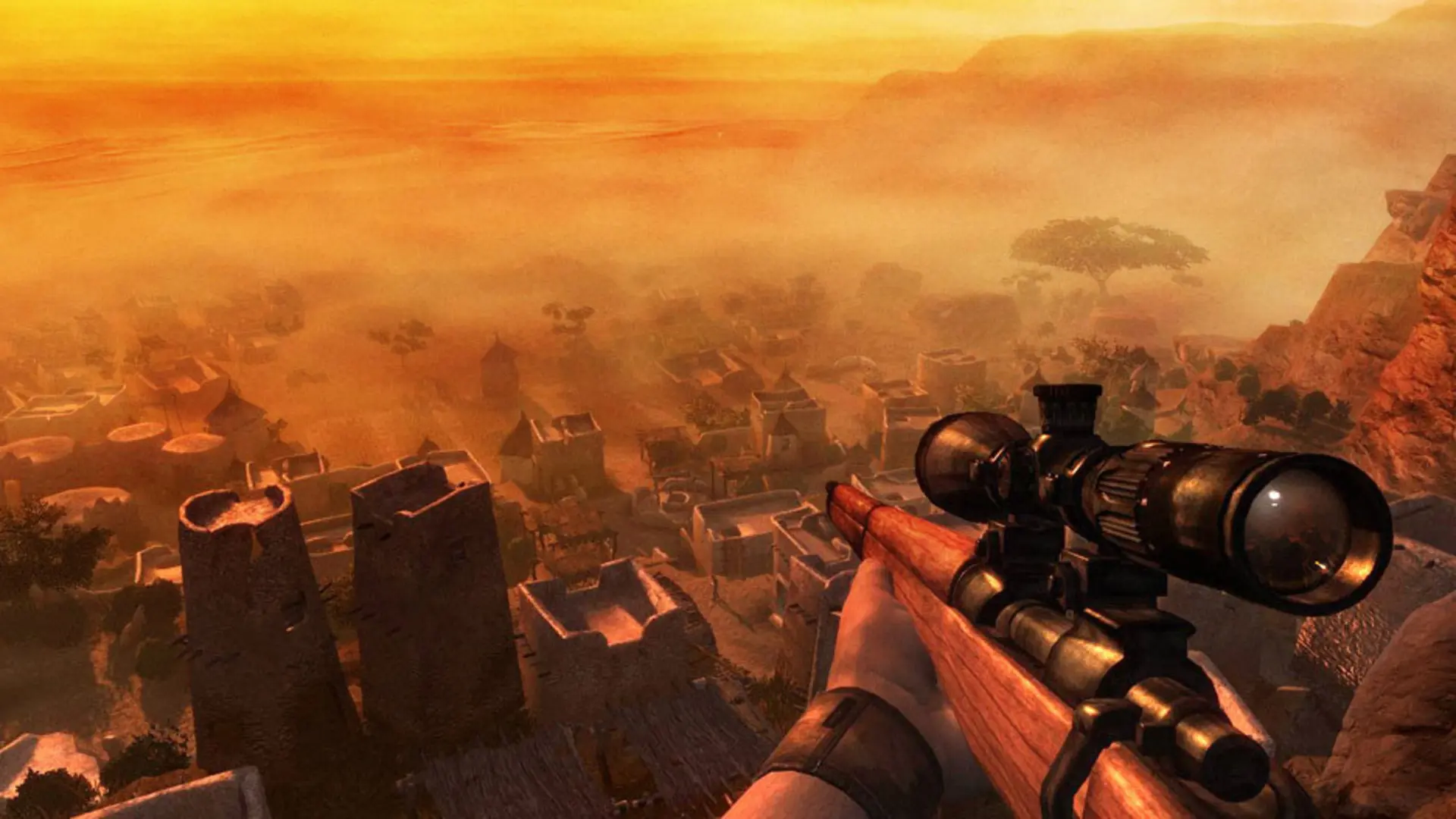
This is what you do if you want to change the time of day each match on your Far Cry 2 server starts at.
Changing The Time Of Day
- Log in to Bropanel and select your server.
- In the sidebar, go to
Settings. - Under
Gameplay, changeTime Of DaytoMap Default,Random,Dawn,Midday,DuskorNight. - Click
Save & Restartto apply your changes.
With Map Default, each map starts at its own time of day. Random picks a different time for every match.