
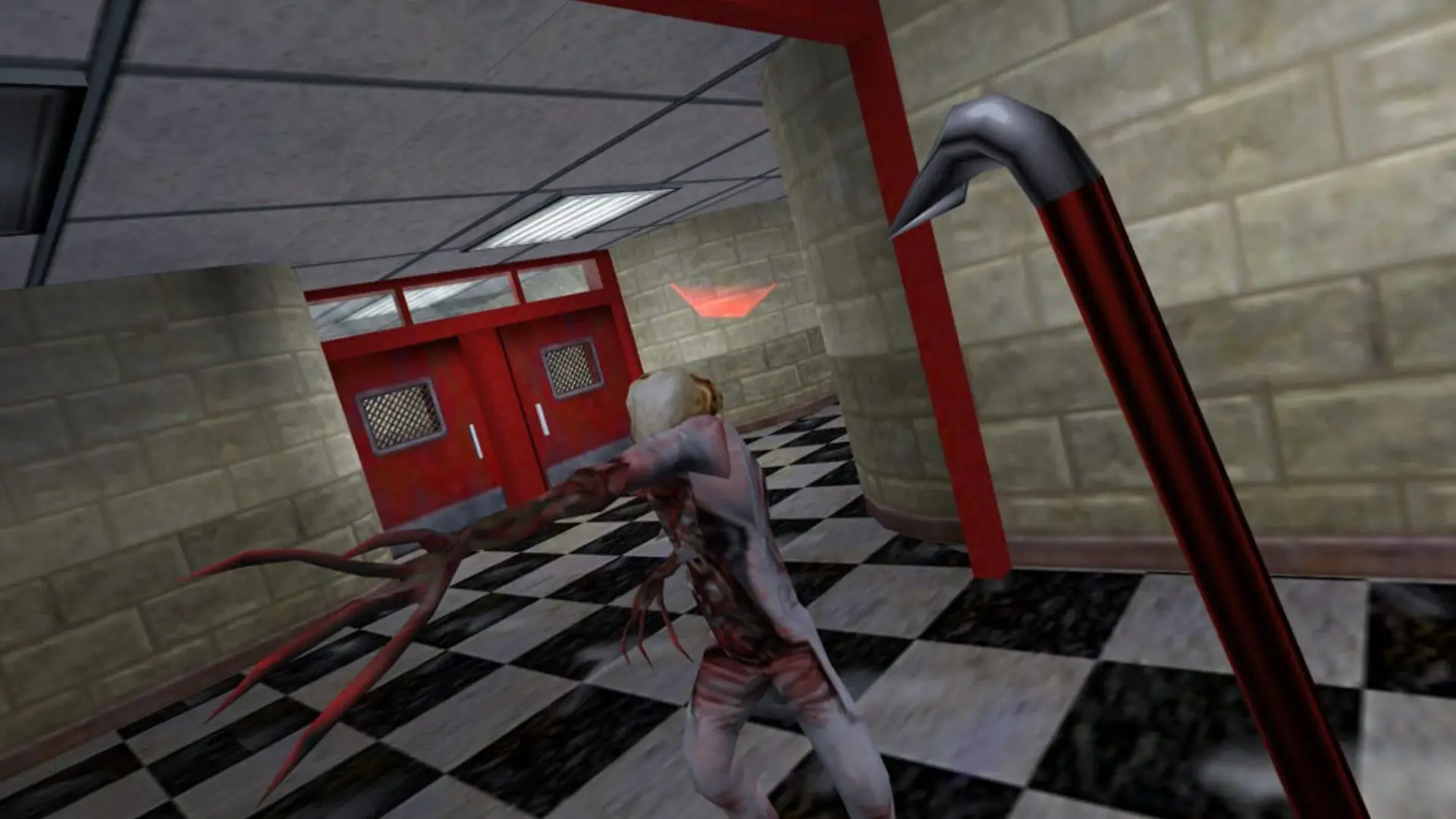
This guide will show you how to install mods on your Half-Life Deathmatch server. This will allow you to host other games such as The Specialist, Ricochet, etc.
Danger
Half-Life is an old game that has been around for 25+ years. There will be mods that simply will not work. We suggest doing some research to see if the mod you want to use still works or reaching out to a bro for advice. Make sure your mod is for Linux and is a multiplayer mod.
Installing Mods
- 1Log in to Bropanel and select your Half-Life Deathmatch server.
- 2Download and extract your mod to your PC, then upload the root folder to your server. You should only be uploading a single folder without overwriting anything.
- 3In the sidebar, go to
Settingsand look for the settingCustom Game Folder. - 4Change it to the name of the folder you just uploaded. (For example, change it to
tsfor The Specialist orcstrikefor Counter-Strike.) - 5Update
Start Mapto a map that's included in your mod's maps folder. - 6Click
Save & Restartto apply your changes.