
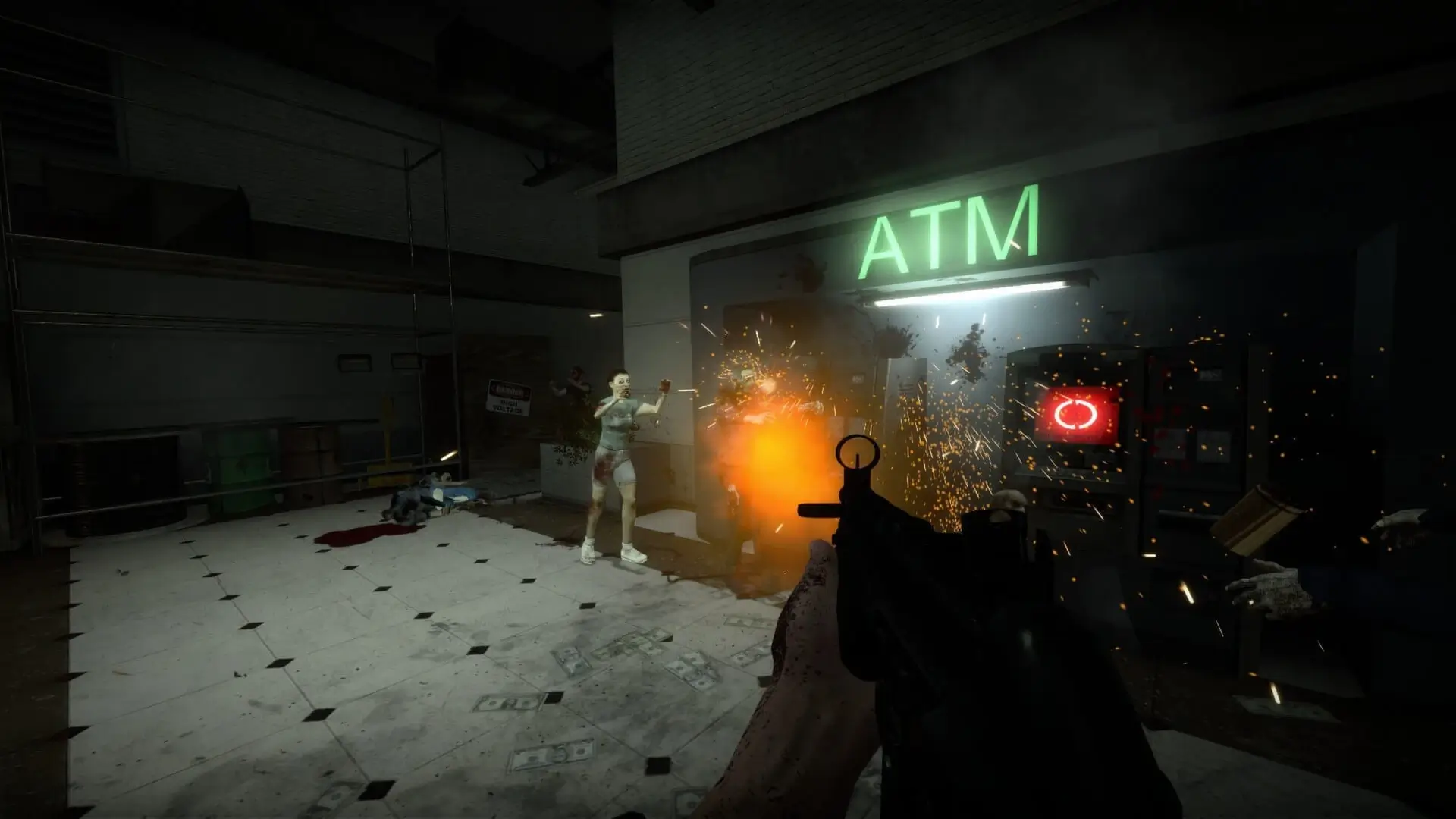
This is what you do if you need to change the map on your No More Room in Hell server.
Uploading Your Custom Map
Maps are commonly found from public FastDL repositories or sites such as GameBanana. Your server will need to be restarted so our FastDL system can automatically sync your added files. This is required, as these files will not be served to connecting users until a sync is completed.
Changing Your NMRIH Server Default Map
- 1Log in to Bropanel and select your NMRIH server.
- 2In the sidebar, go to
Settings. - 3Find the
Default Mapsetting and enter your desired map. - 4Click
Save & Restartto apply your changes.
Did you know?
You can also change maps while your server is running. Simply type map mapname into your server console.