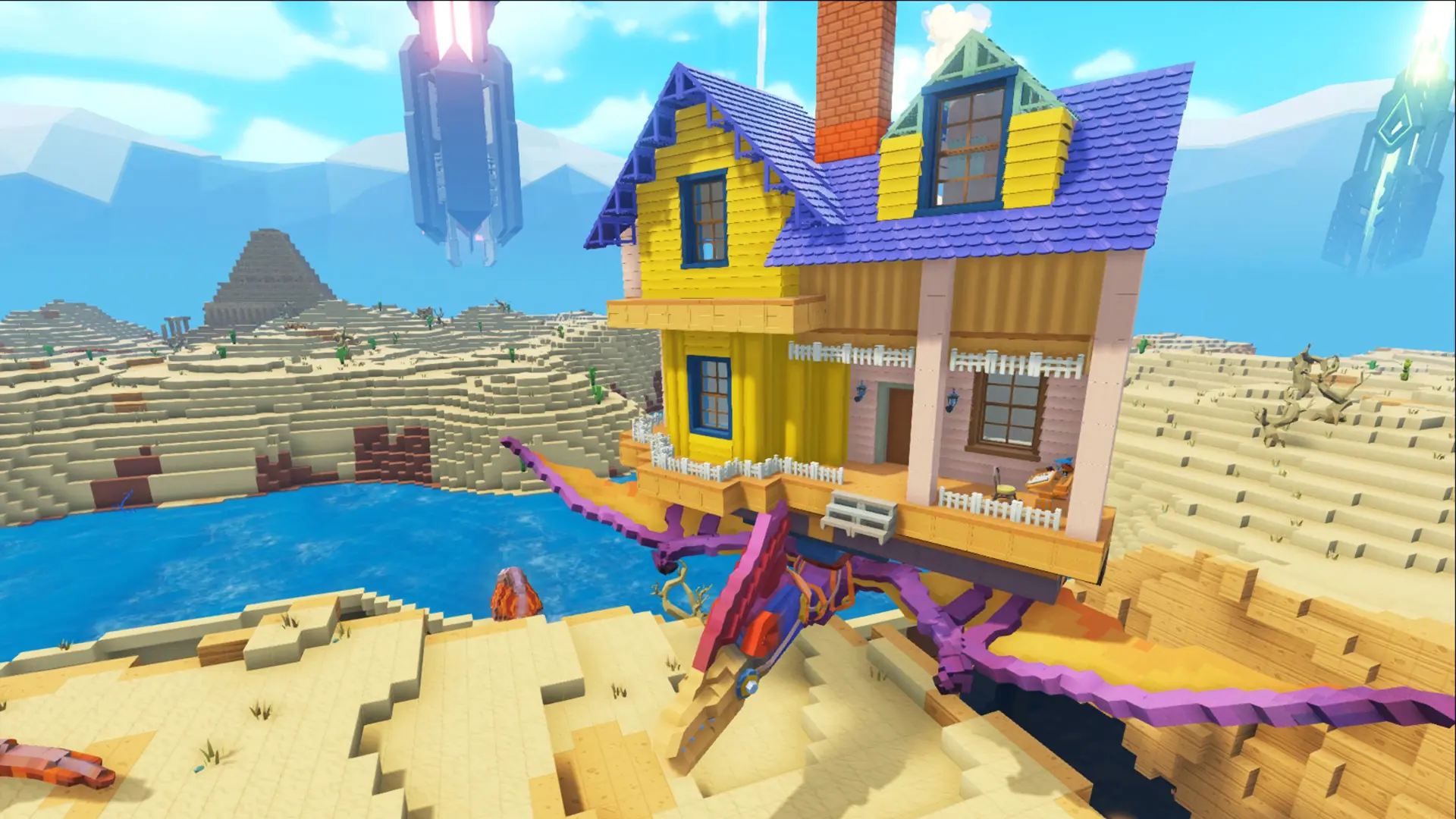
Here's how to change which world your PixARK server runs, including the Skyward and Terracrypt expansion maps.
Changing Your PixARK Map
- Log in to Bropanel and select your server.
- In the sidebar, go to
Settings. - Set
World Mapto the map you want to run. - Click
Save & Restartto apply your changes.
PixARK Maps
| Map | Map ID | Description |
|---|---|---|
| Cube World | CubeWorld_Light | The base game world. Default |
| Skyward | SkyPiea_Light | The free Skyward expansion, a world of floating sky islands. |
| Terracrypt | Underground_Light | The paid Terracrypt expansion. |
Because each map keeps its own saves, you can switch back at any time by setting World Map to its previous value, save files are stored at ShooterGame/Saved/CubeServers/[Map] on your server.