
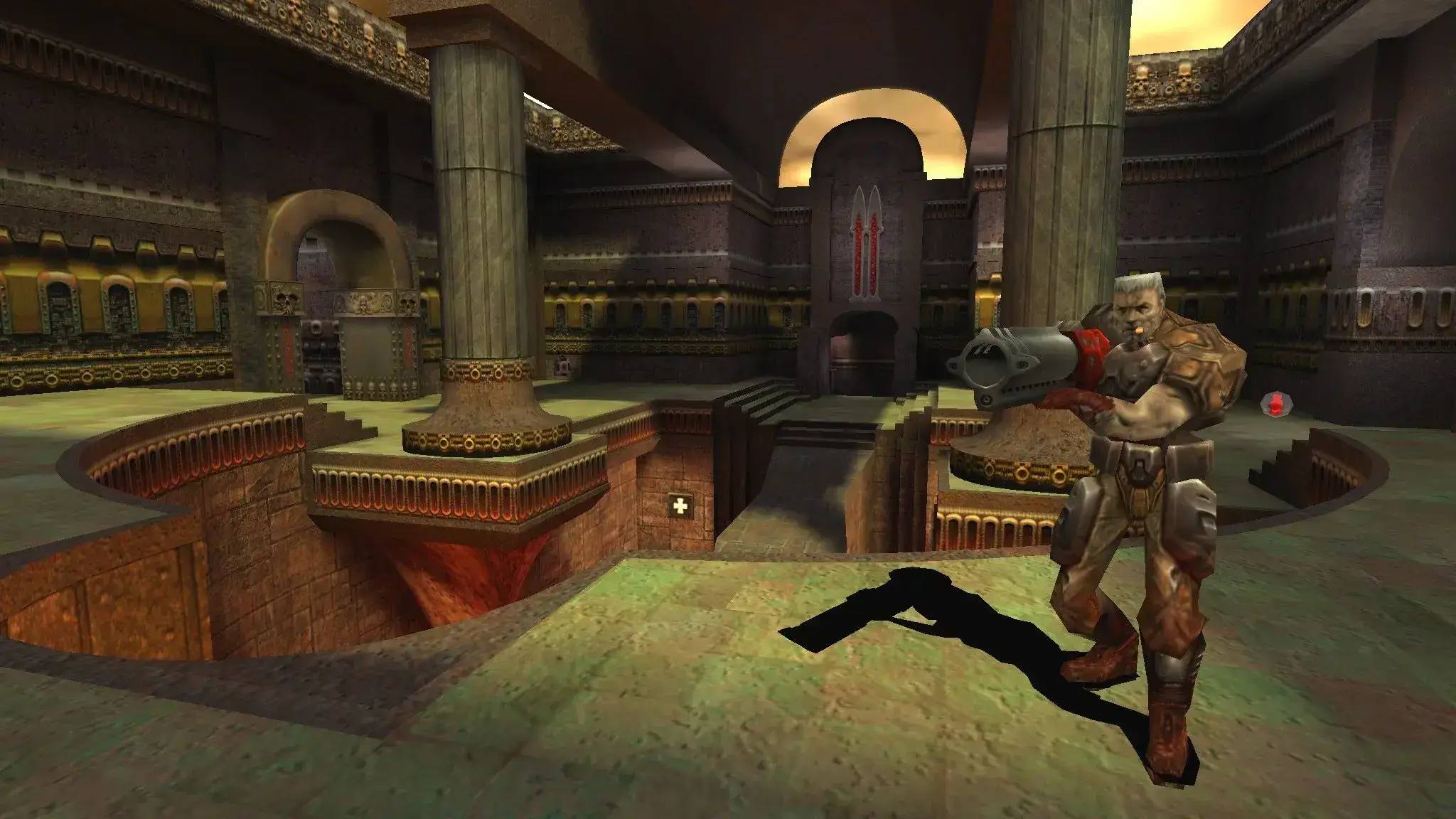
Due to legal restrictions, server owners must supply their own "pak0.pk3" files. These files contain essential elements like maps, textures, sound effects, and other game data.
You can find this file within your original Quake 3 Arena CD-ROM. Specifically, look in the Quake3/baseq3 directory of the CD-ROM. Alternatively, you can purchase and download a legitimate copy of Quake 3 Arena from GOG. After purchasing, download and locate the pak0.pk3 file in the game's directory.
Uploading the pak0.pk3 File to Your Server
- 1In the sidebar, go to
Files. - 2Navigate to the
baseq3folder. - 3Upload your
pak0.pk3file. - 4Restart your server.
Adding Additional Patch Data for ioquake Users
If you're running an ioquake client, additional patch data is necessary for clients to connect to your Quake 3 Arena server.
- 1Visit ioquake Patch Data to download the latest patch files.
- 2Extract the files (usually in .pak format) from the archive.
- 3