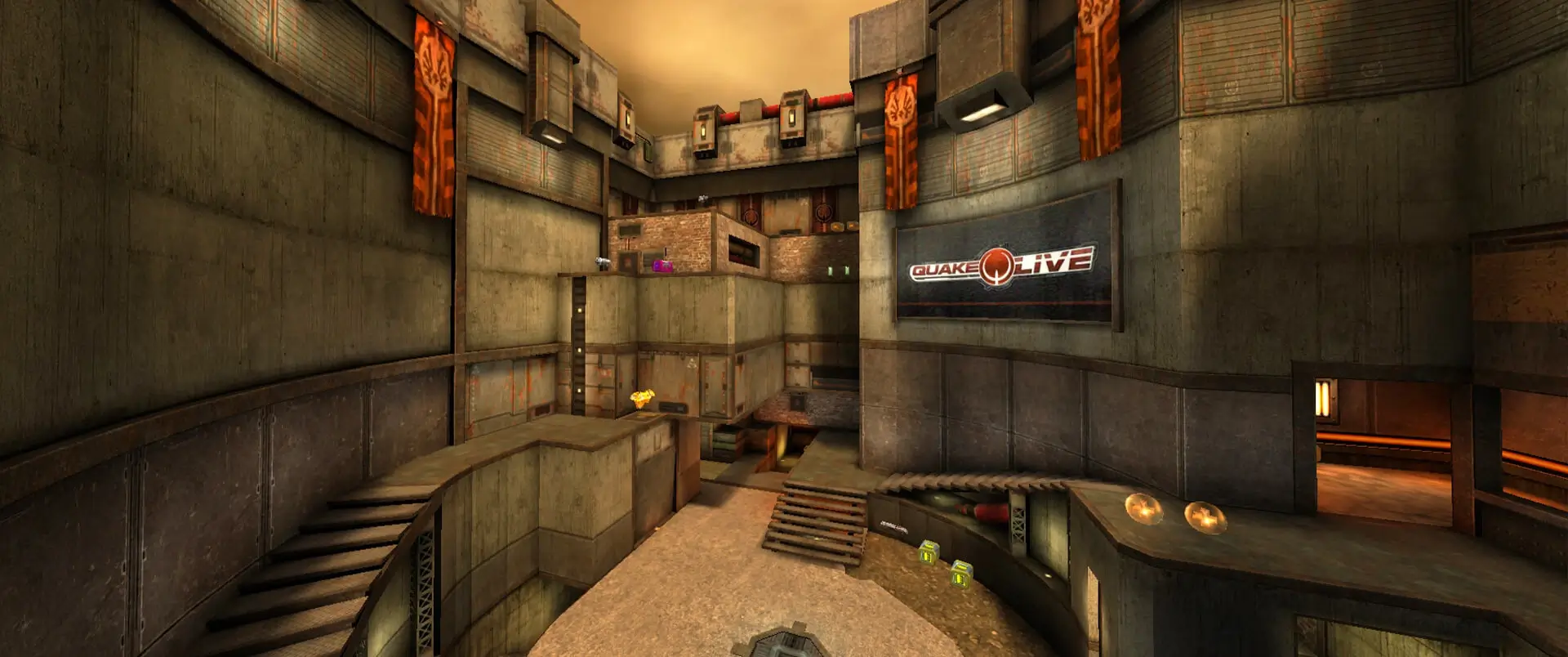
Server tags show up in the Quake Live server browser and help players find your Quake Live server when they filter the list.
Setting Your Server Tags
- Log in to Bropanel and select your server.
- In the sidebar, go to
Settings. - Under
Basic, editServer Tagsand enter your tags, separated by commas. - Click
Save & Restartto apply your changes.
For example, a duel server for Australian players could use duel, aus, classic. The whole list can be up to 50 characters.
You don't need to add your game mode as a tag. Quake Live adds the current game type and some gameplay changes to your tags by itself.