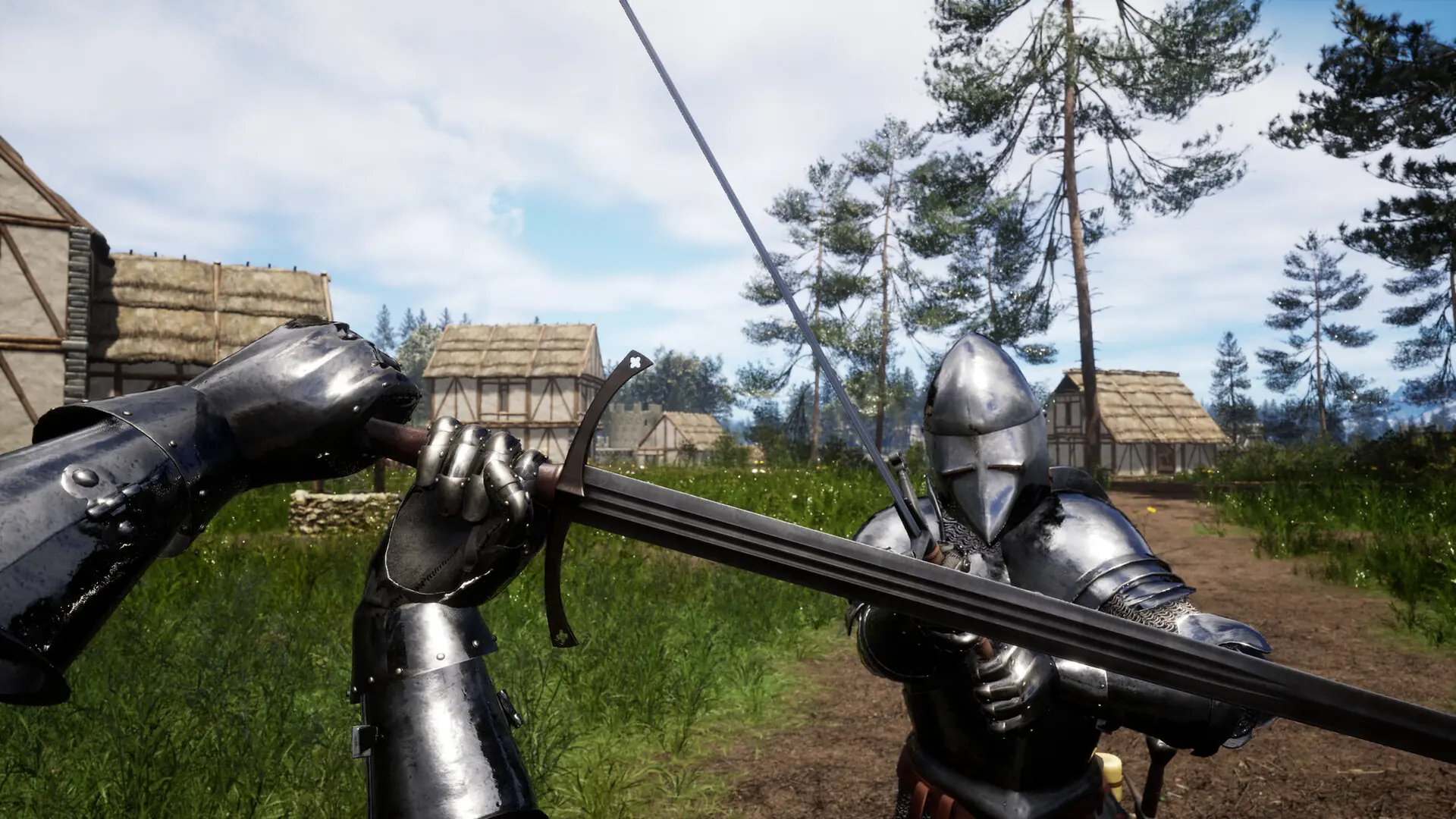
Here's how to lock players on your Renown server into first person view, so nobody can switch out to third person.
Enabling First Person Only
- Log in to Bropanel and select your server.
- In the sidebar, go to
Settings. - Under
Gameplay, enableFirst Person Only. - Click
Save & Restartto apply your changes.