
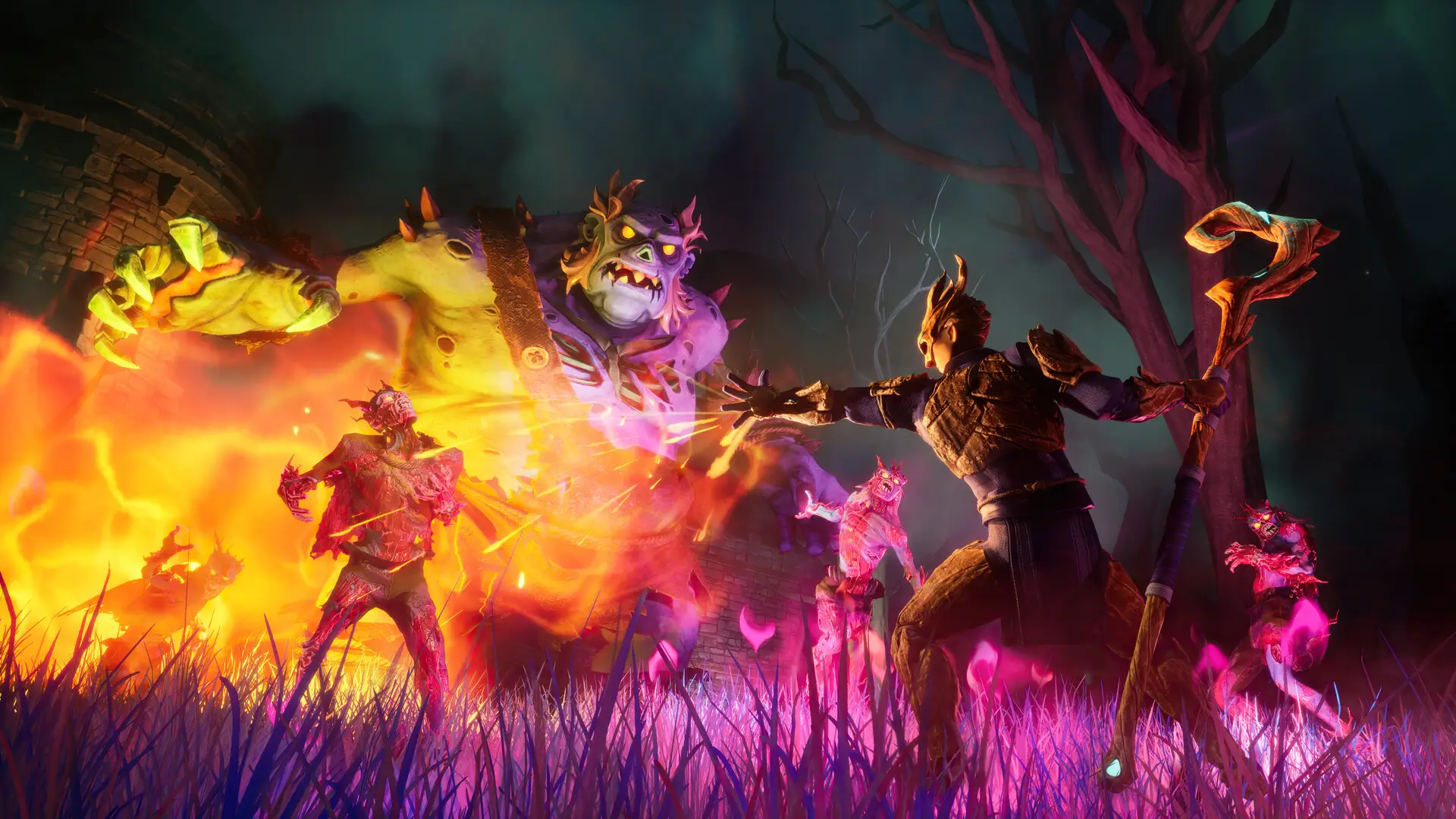
PvP in RuneScape Dragonwilds is configured through the world save file. To enable PvP on your RuneScape Dragonwilds server, you must create a singleplayer save with PvP enabled and upload it to your server.
Enabling PvP
- 1Open RuneScape: Dragonwilds.
- 2Create a new singleplayer world.
- 3In the world settings, under
AdvancedenableFriendly Fire. - 4Create the world.
- 5Save and exit the world.
- 6Follow our Upload Save guide to upload the save to your server.
Note
There is currently no way to toggle PvP directly on the server. It must be configured through a singleplayer save and then uploaded.