
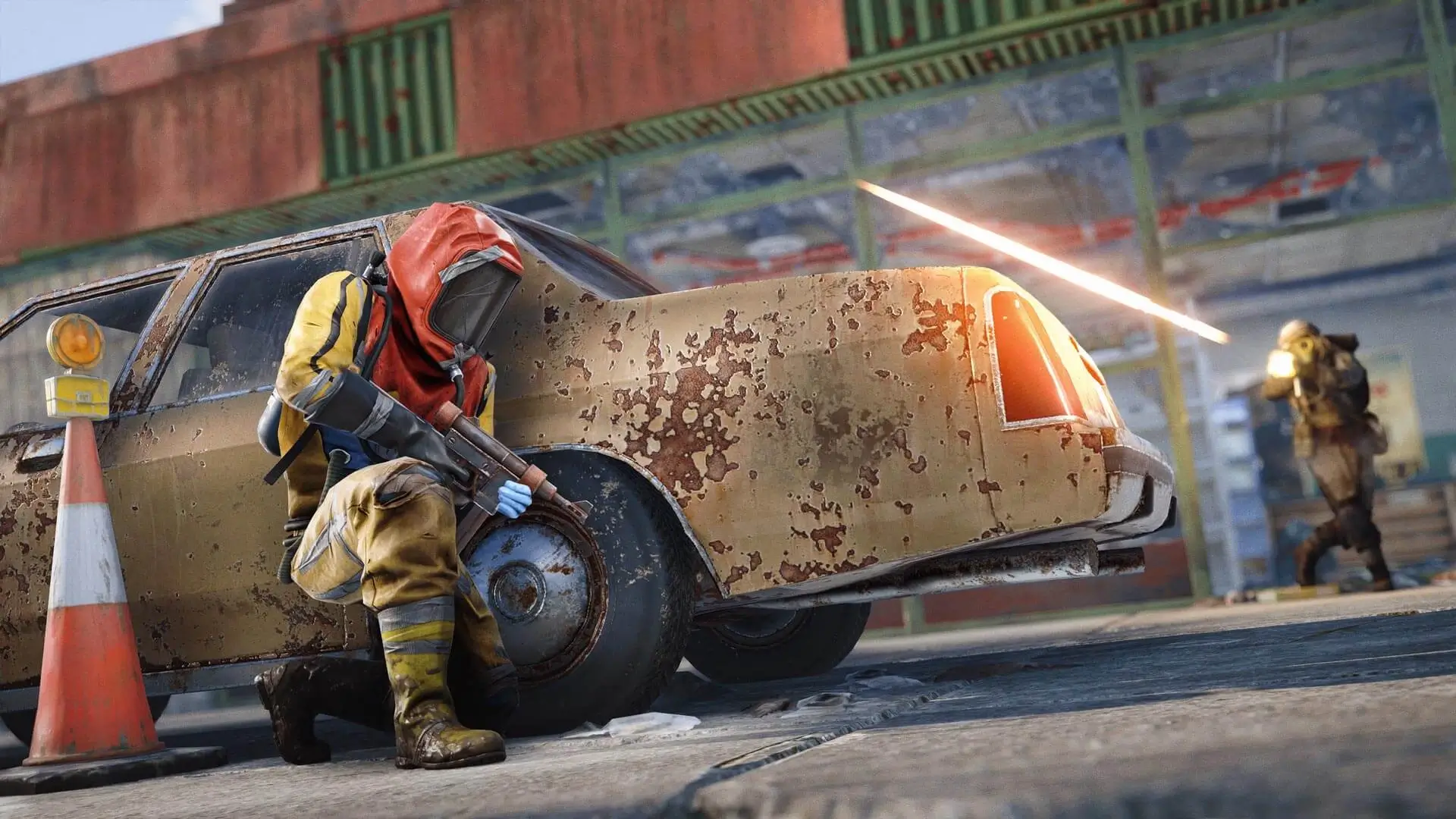
The Server Header Image is the banner shown on your Rust server listing in the in-game browser. Your image must be hosted online and provided as a direct image URL to be used on your server.
Caution
The image must be a direct URL to a .png or .jpg file (for example, https://example.com/example/image.png). Sized at either 512x256 or 1024x512. Other formats and dimensions will not load.
Setting Your Rust Server Image
- 2Get the direct URL:
- Imgur: open your uploaded image, right-click it and select
Copy image address. - Dropbox: click
Share, copy the link, then change the?dl=0at the end to?dl=1.
- Imgur: open your uploaded image, right-click it and select
- 3Log in to Bropanel and select your server.
- 4In the sidebar, go to
Settings. - 5Paste the direct image URL into the
Server Imagefield. - 6Click
Save & Restartto apply your changes.