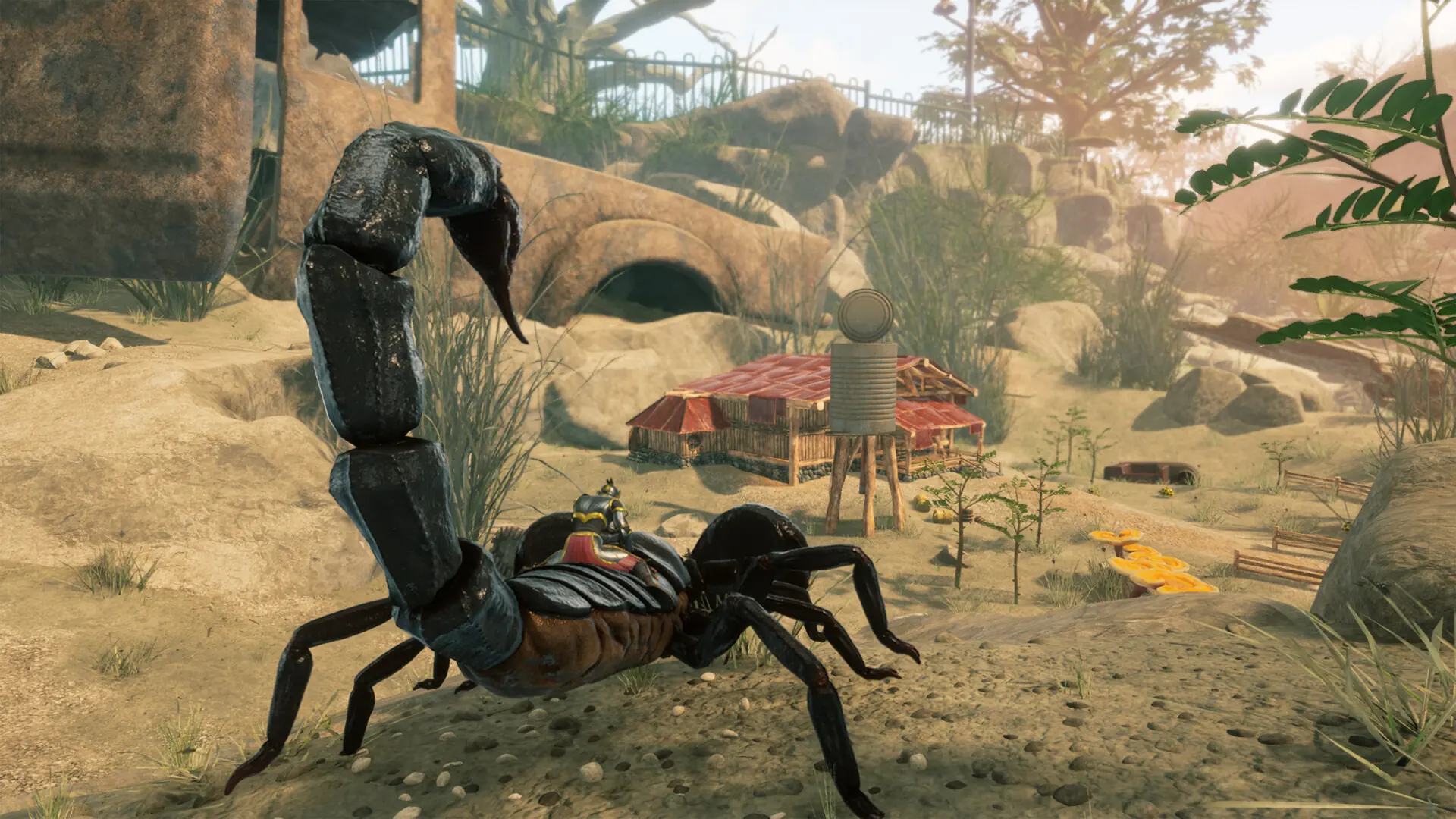
Here's how to connect to your Smalland server using the in-game server browser.
Connecting To Your Smalland Server
- Log in to Bropanel and select your server.
- In the sidebar, go to
Settings, and set aServer Name. - Click
Save & Restartto apply your changes. - Open Smalland and select your character.
- Click
Joinand search for your server name. - Select your server, then click
Join.
If you get stuck at any time, you can reach out to us on Discord.