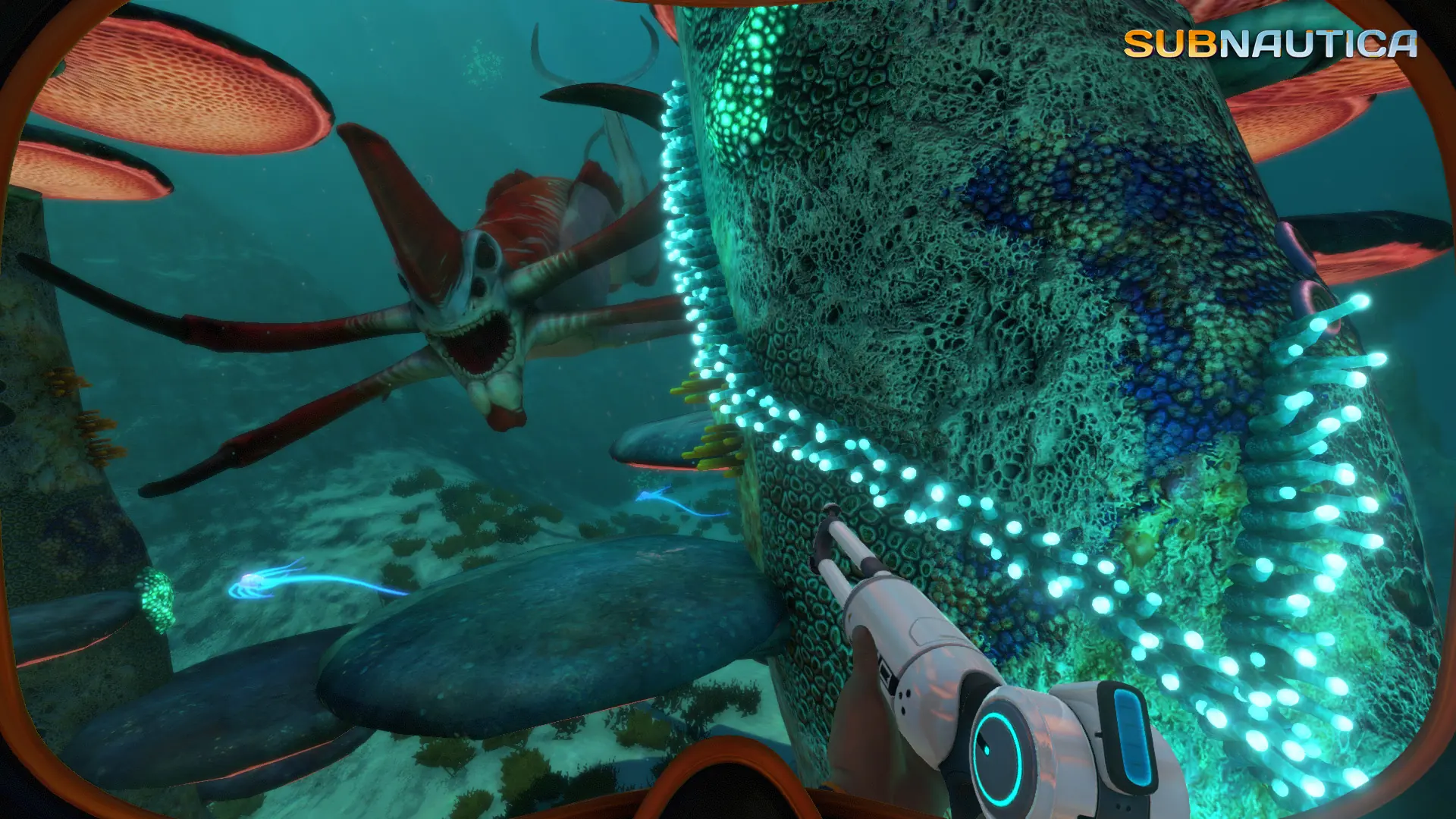
Auto save keeps your Subnautica world saved while you play. You can turn it off, and the world then only saves when your server stops or restarts, or when you save it yourself.
Turning Off Auto Save
- Log in to Bropanel and select your server.
- In the sidebar, go to
Settings. - Under
Gameplay, turn onDisable Auto Save. - Click
Save & Restartto apply your changes.
To turn auto save back on, turn off Disable Auto Save and click Save & Restart. The Auto Save Interval sets how often it saves.