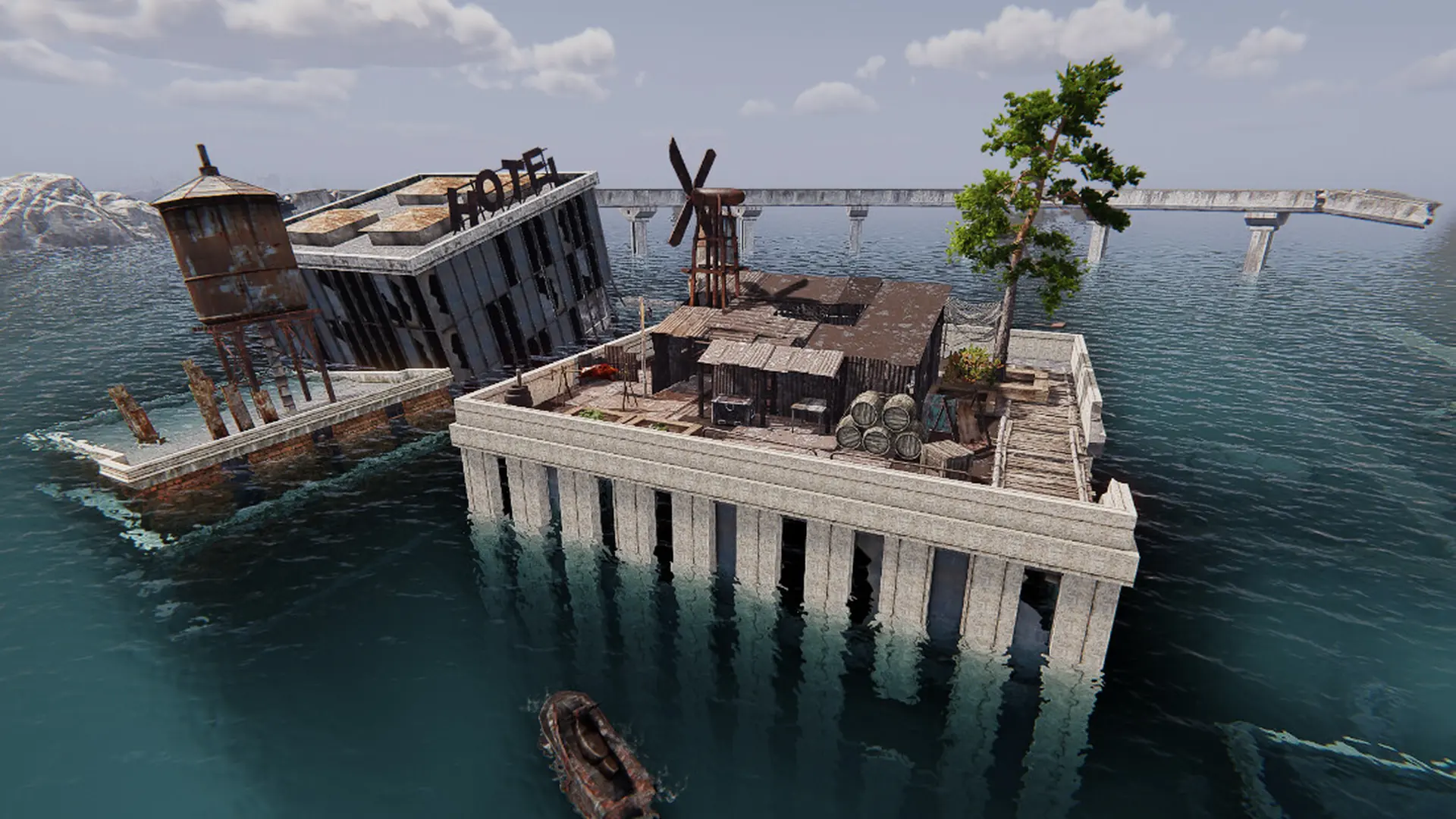
Your Sunkenland server saves the world automatically every 300 seconds (5 minutes). It does not save when it stops or restarts, so anything built since the last autosave is lost on a stop or restart. A shorter interval loses less.
Changing The Autosave Interval
- Log in to Bropanel and select your server.
- In the sidebar, go to
Settings. - Under
Advanced, editAutosave Interval. It is in seconds, 60 or more. - Click
Save & Restartto apply your changes.