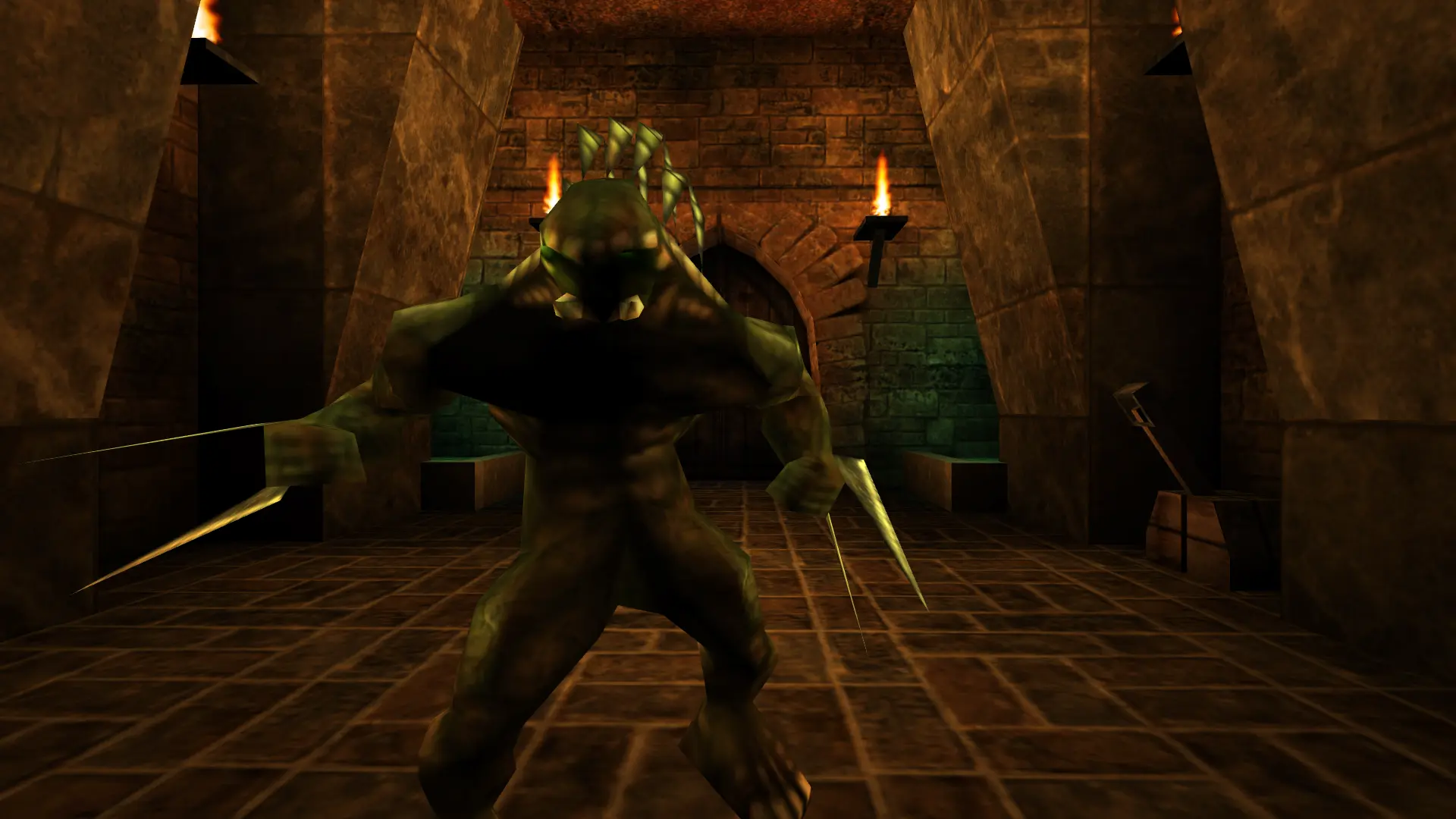
Unreal has a big library of community maps for deathmatch and cooperative play. Here's how to add them to your Unreal Gold server.
Uploading Custom Maps
- Download the map and unzip it on your computer. You'll usually get a
.unrmap file and sometimes extra files such as.utx,.uax,.umxor.u. - Log in to Bropanel and
Stopyour server. - In the sidebar, go to
Files. - Upload each file to its folder:
.unrfiles go inMaps.utxfiles go inTextures.uaxfiles go inSounds.umxfiles go inMusic.uand.intfiles go inSystem
- Start your server.
To play the map, enter its name in Map or pick it in Web Admin.