
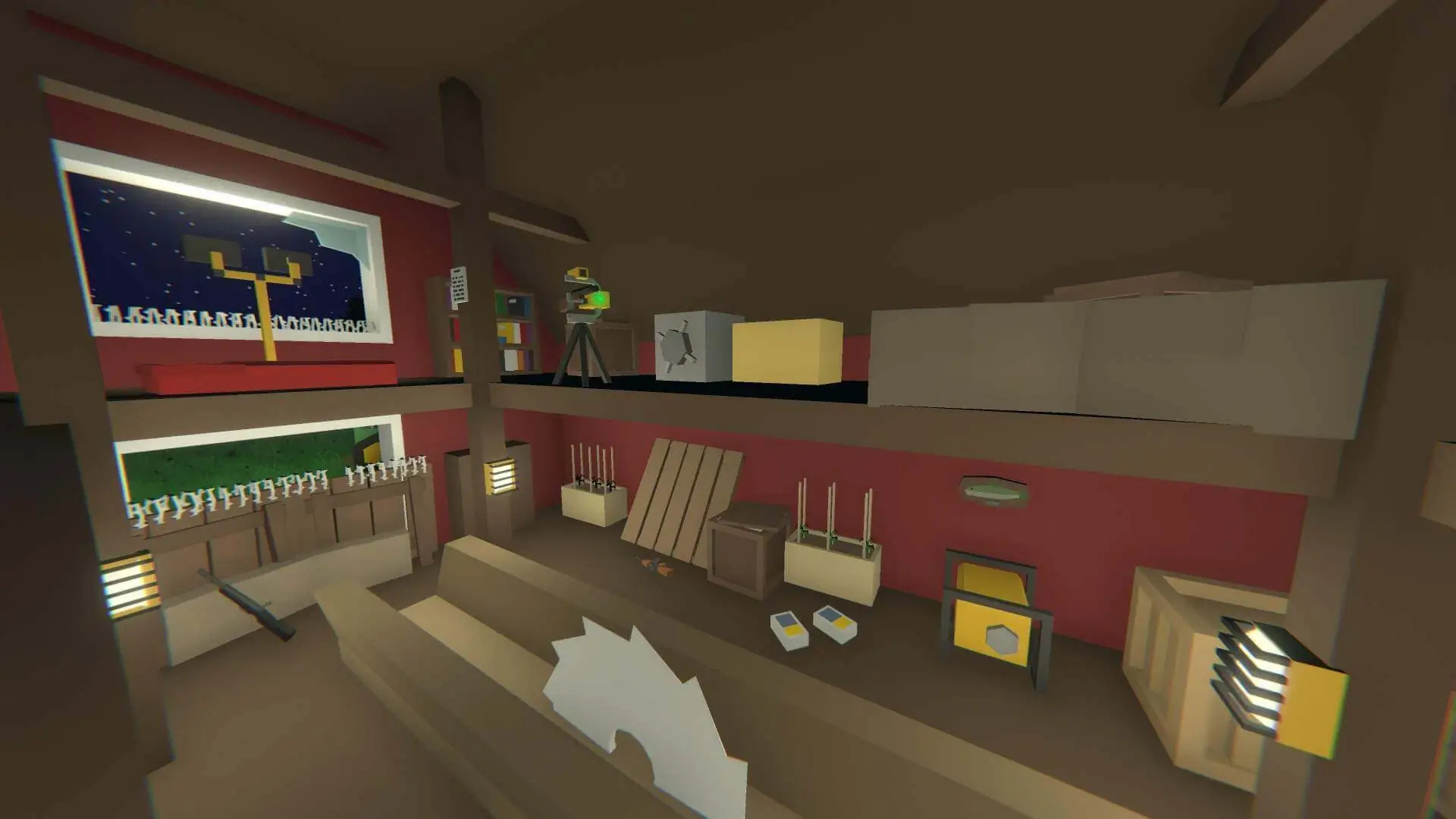
Here's how to change the perspective mode on your Unturned server. This setting controls which camera views players can use on your server.
Changing Your Server's Perspective Mode
- 1Log in to Bropanel and select your server.
- 2In the sidebar, go to
Settings. - 3Find the
Perspectivedropdown menu. - 4Select one of the following options:
- Both - Players can switch between first and third person
- First - First person only
- Third - Third person only
- Vehicle - Third person in vehicles, first person on foot
- 5Click
Save & Restartto apply your changes.
If you get stuck at any time, you can reach out to us on Discord.