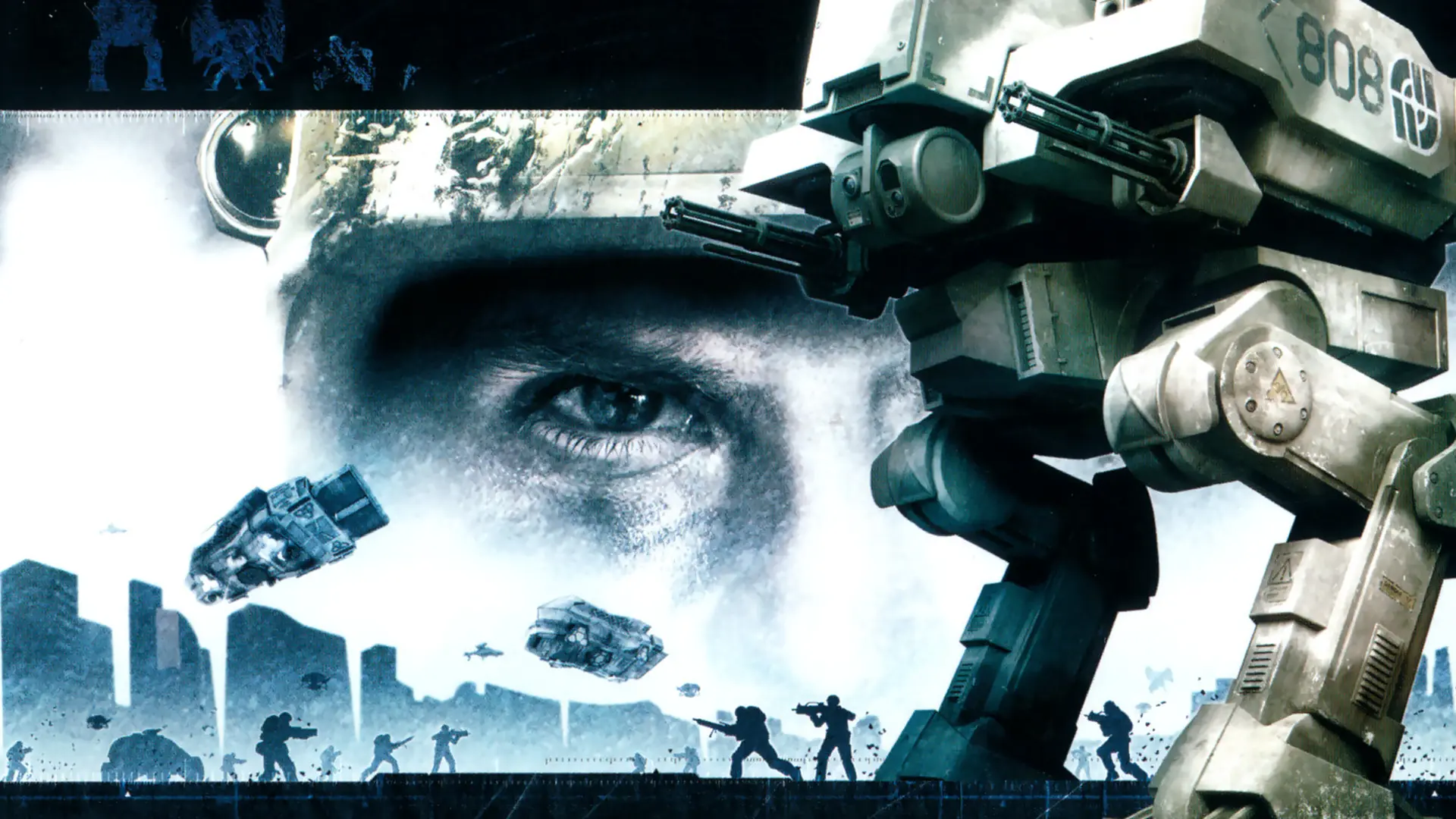
The nose camera is the view from the front of gunships and transports, with no cockpit in the way.
Turning Nose Camera On or Off
- Log in to Bropanel and select your server.
- In the sidebar, go to
Settings. - Under
Gameplay, findNose Cameraand turn it on or off. - Click
Save & Restartto apply your changes.