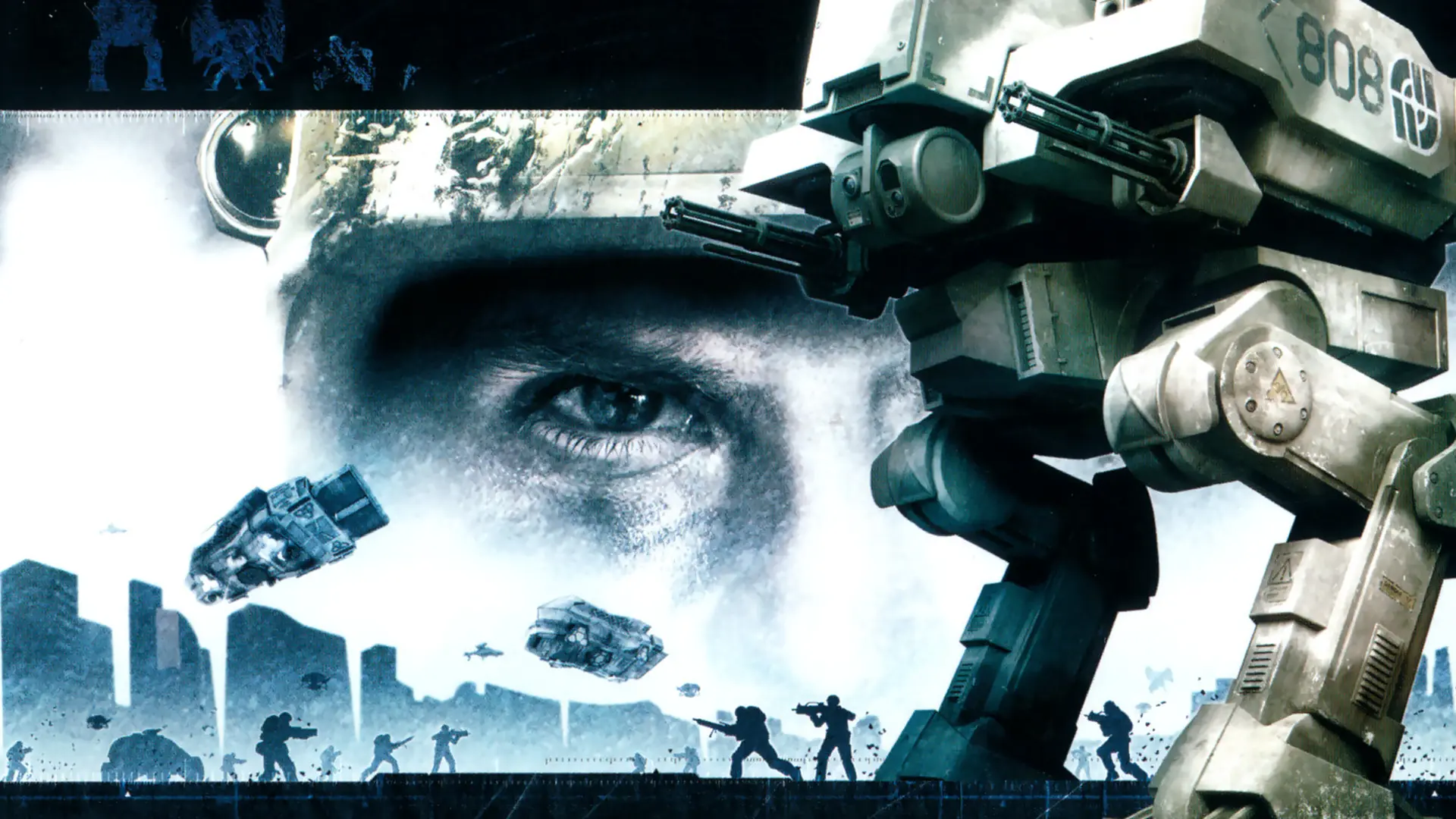
In Titan mode each team has a Titan, a flying fortress. With Titan Movement on, the commander can order their Titan to a new spot on the map. Turn it off to keep both Titans where they start.
Turning Titan Movement On or Off
- Log in to Bropanel and select your server.
- In the sidebar, go to
Settings. - Under
Gameplay, findTitan Movementand turn it on or off. - Click
Save & Restartto apply your changes.