
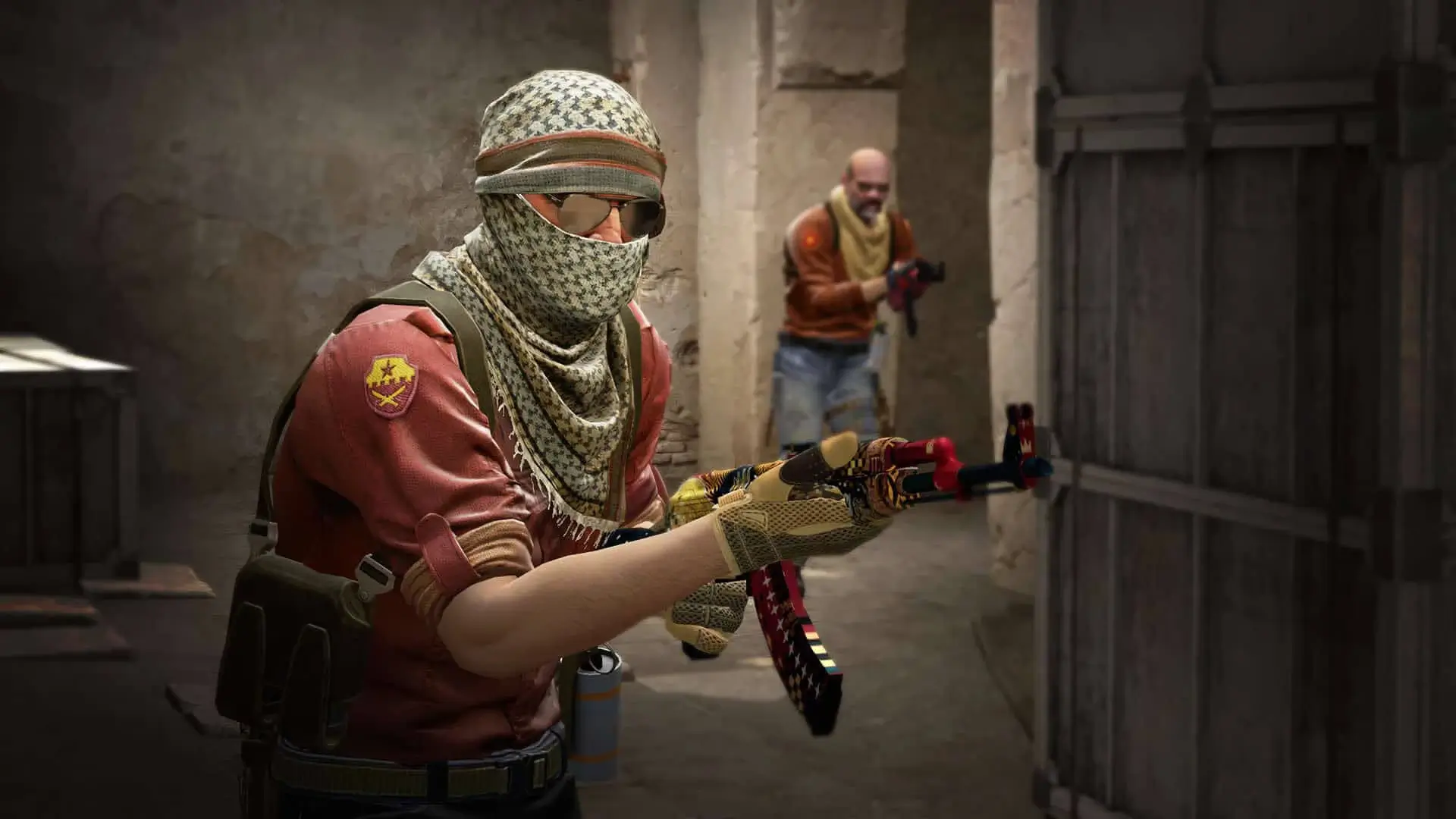
Here is how you can join your CSGO server using the IP address.
How To Install CSGO
Initially, CS2 completely replaced CSGO in the Steam store. Luckily, CSGO has been re-released! There's still a way to install CSGO. Here's how it's done:
- 1Install CSGO from here: https://store.steampowered.com/app/4465480/CounterStrike_Global_Offensive/
How to Connect Using the Console
- 1Log in to Bropanel and select your CSGO server.
- 2Copy the server IP address from the
Overviewpage. - 3Open Counter-Strike Global Offensive.
- 4Open the
Developer Console (~), typeconnect, then paste the copied server IP, and press Enter to connect.
Tip
You can enable the developer console under the Game menu of your CSGO settings.