
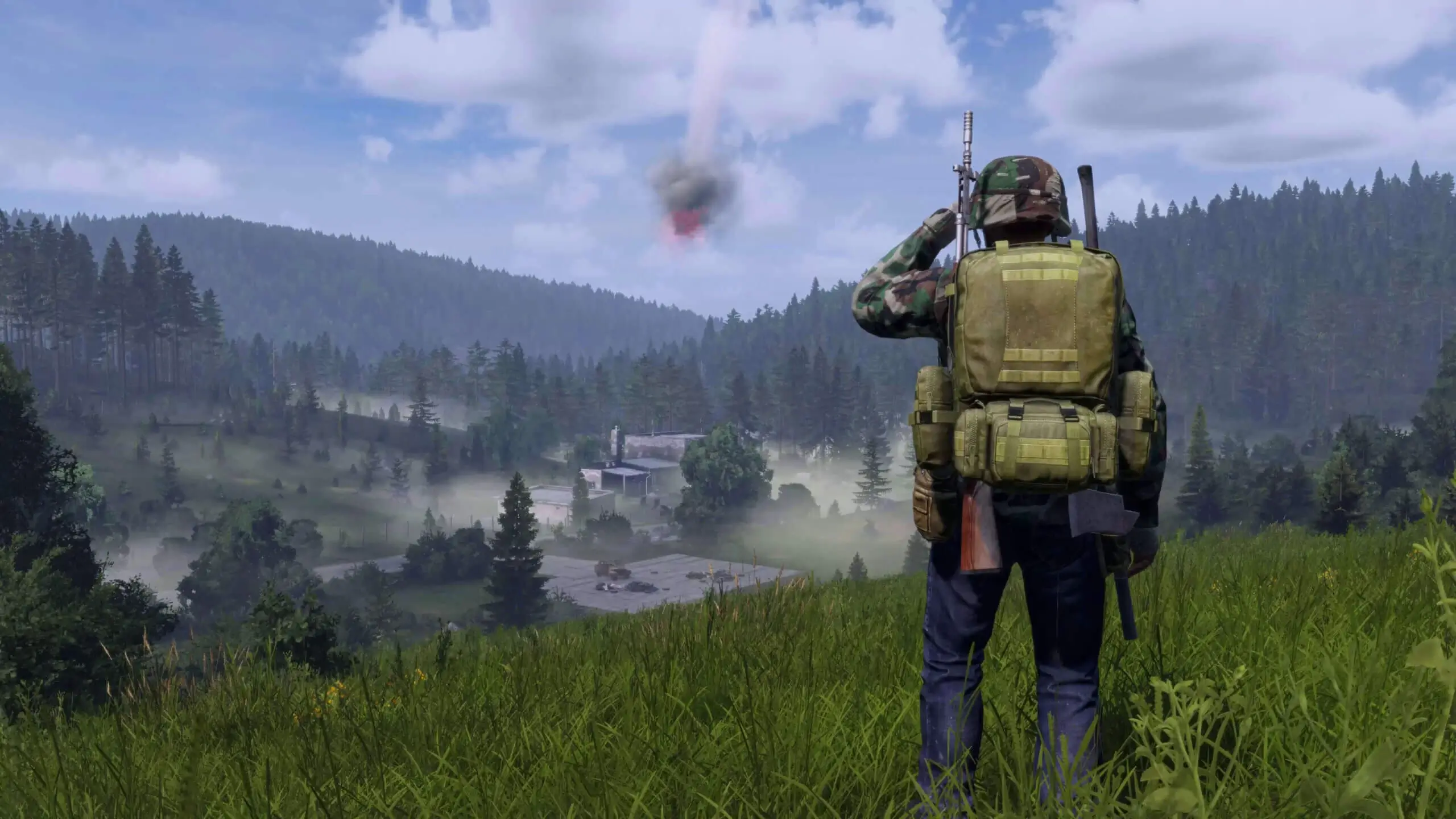
Want to explore new terrains on your DayZ server? This guide will walk you through the steps to switch between default DayZ maps.
If you're looking to upload a custom map, follow this guide.
Changing the Map on Your DayZ Server
- 1
Log in to Bropanel and
Stopyour DayZ server. - 2
In the sidebar, go to
Files. - 3
Open
serverDZ.cfg. - 4
Scroll down and edit
template=to one of the following:Map Template ID Chernarus Plus dayzOffline.chernarusplus Livonia dayzOffline.enoch Sakhalin dayzOffline.sakhal - 5
Click Save and start your server.
  class Missions
  {
      class DayZ
      {
          template="dayzOffline.chernarusplus"; // Mission to load on server startup. <MissionName>.<TerrainName>
  					      // Vanilla mission: dayzOffline.chernarusplus
  					      // DLC mission: dayzOffline.enoch
      };
  };