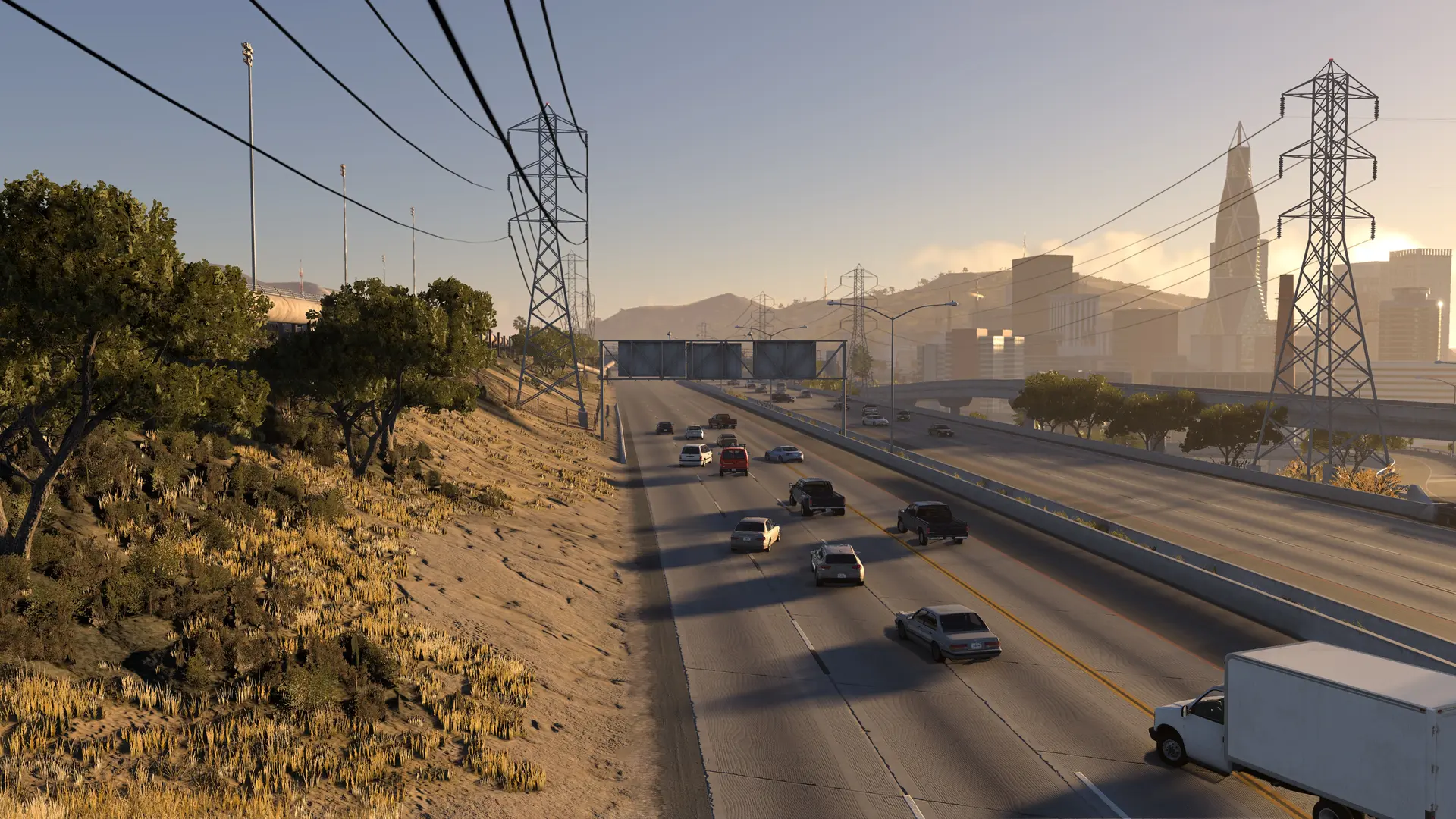
A map rotation moves your HighBeam server to the next map in a list every so often. Players get chat warnings 5 minutes, 1 minute, 30 seconds and 10 seconds before each change, then load the new map with their car without leaving the server.
Setting Up A Map Rotation
- Log in to Bropanel and
Stopyour server. - In the sidebar, go to
Filesand open theconfigsfolder. - To change how long each map lasts, click
server.cfg, setmap_minutesto the minutes you want, for examplemap_minutes=30, and clickSave. Each map lasts 60 minutes by default. - Start your server.
Your server starts on the Map in Settings, then moves to the map after it in the list, or to the first map in the list when the Map in Settings isn't in it. A map's time only counts while players are on it, so a server nobody is on stays on its map and the next player gets the whole time. A map from a mod goes in the list by its zip's name without .zip.
To turn the rotation off, delete the maps from maplist.cfg or set map_minutes=0.