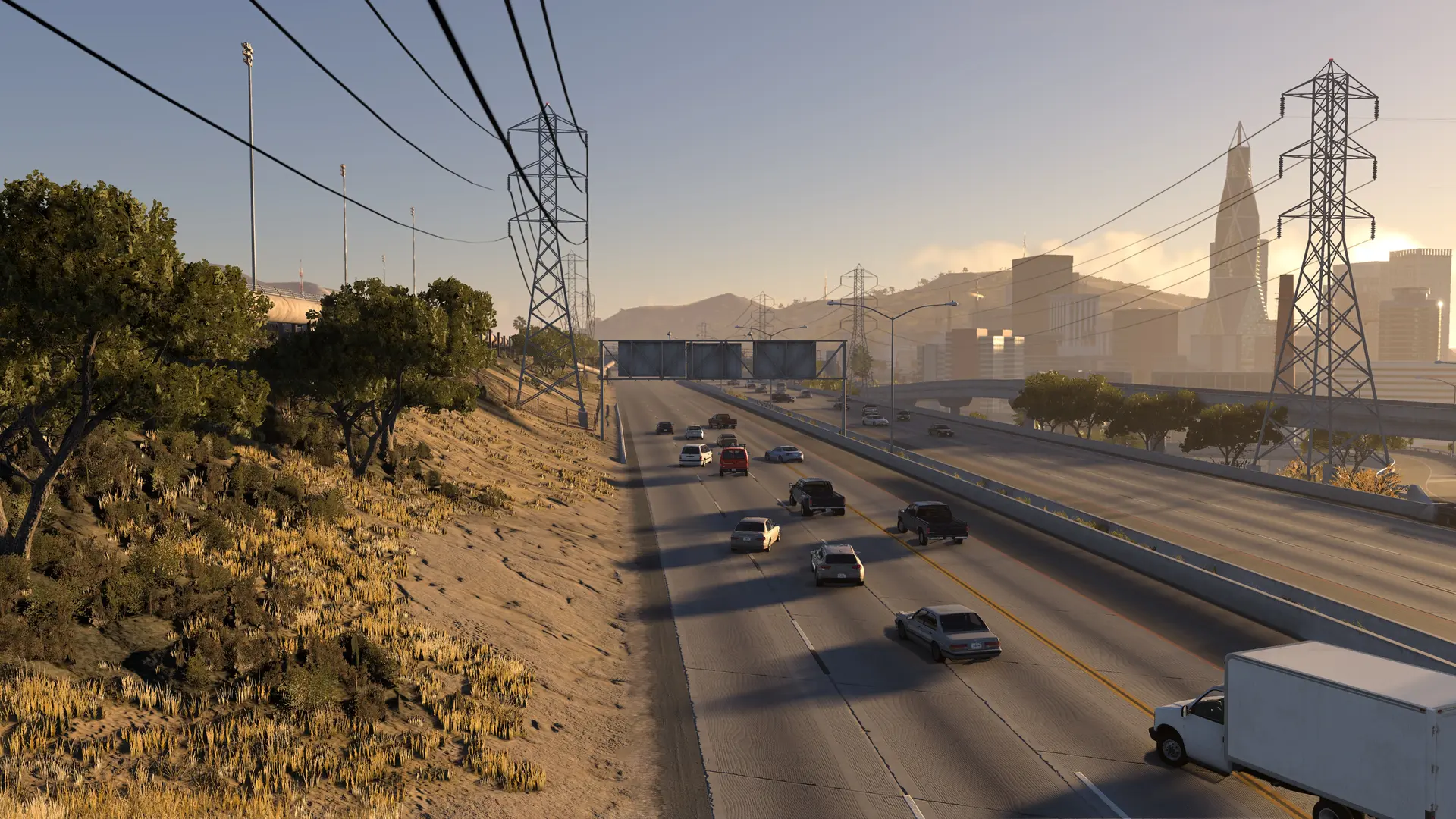
Your HighBeam server can drive its own traffic on the map's roads. Every player sees the same cars in the same places: they keep to their lane, follow the speed limits, signal, queue and give way at junctions. A traffic car a player hits stops with its hazard lights on.
Adding Traffic Cars
- Log in to Bropanel and select your server.
- In the sidebar, go to
Settings. - Under
Gameplay, setTraffic Carsto how many cars you want, up to100. - Click
Save & Restartto apply your changes.
New servers have no traffic. Set Traffic Cars to 0 to turn it off again.
Good To Know
- Traffic appears after the first player joins. The cars need the map's roads, which the first player's game sends to your server, so they show up a few seconds after someone joins. They only drive while players are on.
- Players' PCs draw every car. About 25 cars or more on a server, traffic and players' cars together, needs a graphics card with more than 6 GB of video memory on each player's PC. If players stutter, lower
Traffic Cars. - Traffic drives near players. Cars drive within 500 metres of the players' cars. To change that, set
bot_rangeinconfigs/server.cfginFiles, for examplebot_range=300, or0for the whole map, then restart your server.