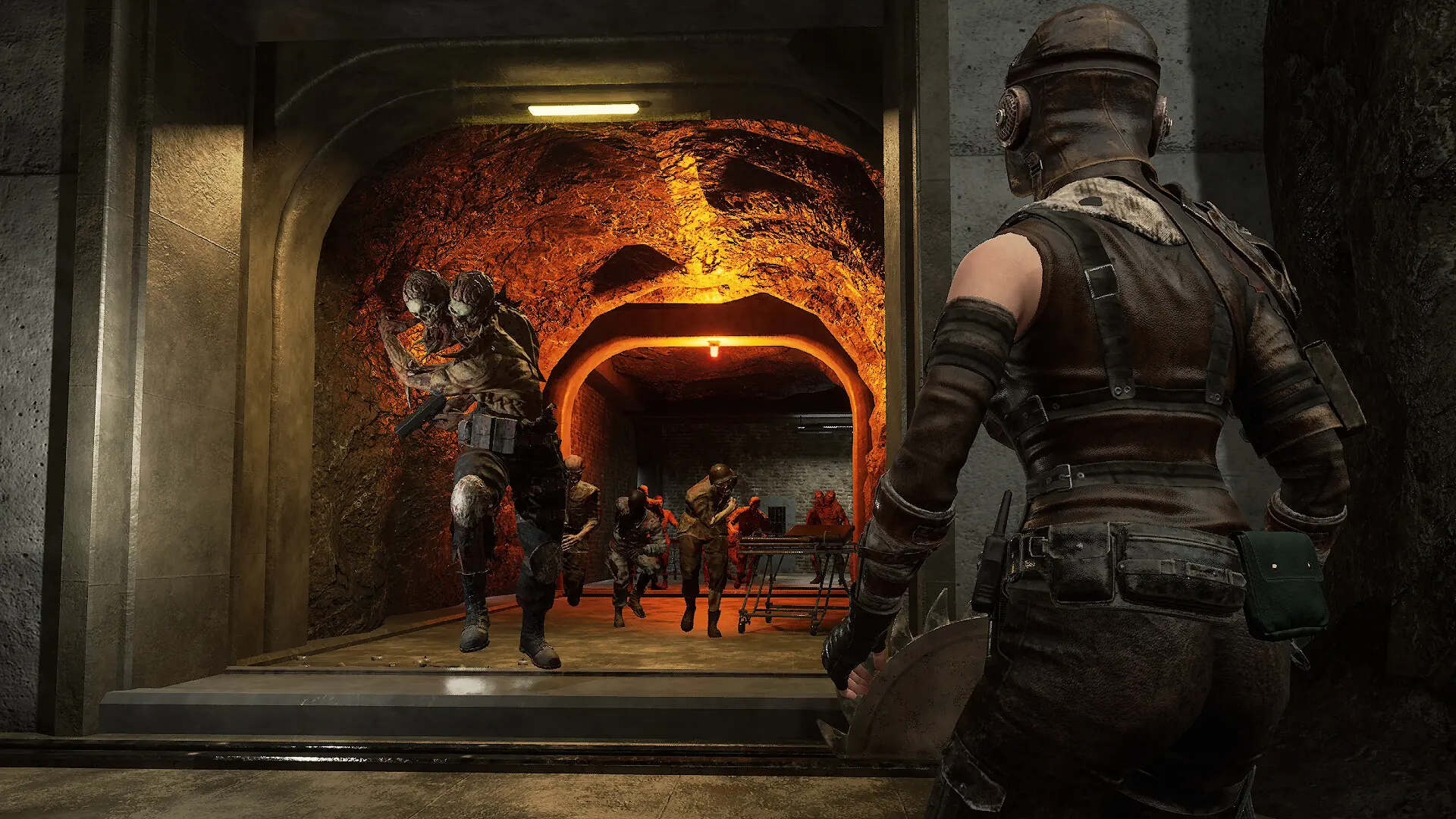
Night of the Dead players join dedicated servers from the multiplayer menu. No mods are needed to join.
Joining Your Server
- Log in to Bropanel and check that your server shows as online.
- Start Night of the Dead from Steam, click start and select your character.
- Choose
Multiplayerand find your server name in the dedicated servers list. - Click your server to join. If it has a password, enter it when asked.
If your server is in the list but joining sends you back to the main menu, check that your game is up to date. With Auto Update on, which is the default, your server installs new versions when it restarts. If it's off, turn it on and restart, see Update Your Server.