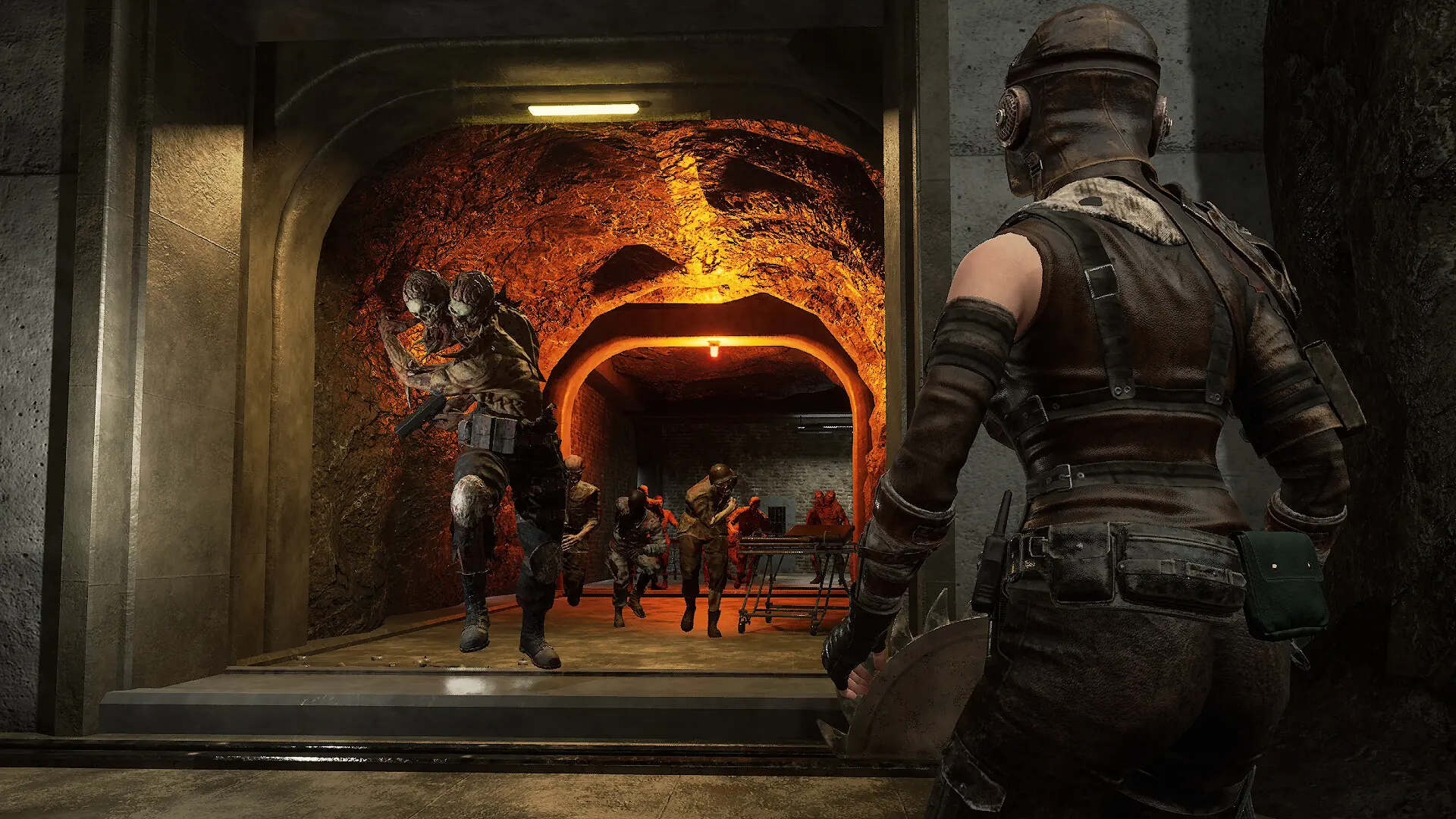
Your Night of the Dead server saves the world on its own every few in-game hours while players are online. The autosave timer only runs while someone is on the server. To be sure nothing is lost, have an admin save the world before you stop or restart your server.
Saving Before a Restart
- Join your server and press
Esc. - Open
Server Info, enter your admin password and save the world. - Stop or restart your server in Bropanel.
Changing the Autosave Interval
- If anyone is playing, save the world in game first, see Saving Before a Restart.
- Log in to Bropanel and select your server.
- In the sidebar, go to
Settings. - Under
Advanced, editAutosave Interval. - Click
Save & Restartto apply your changes.
One in-game hour is about 5 real minutes at the default day length, so the default of 2 saves about every 10 minutes while players are online. Set it to 1 to save more often.