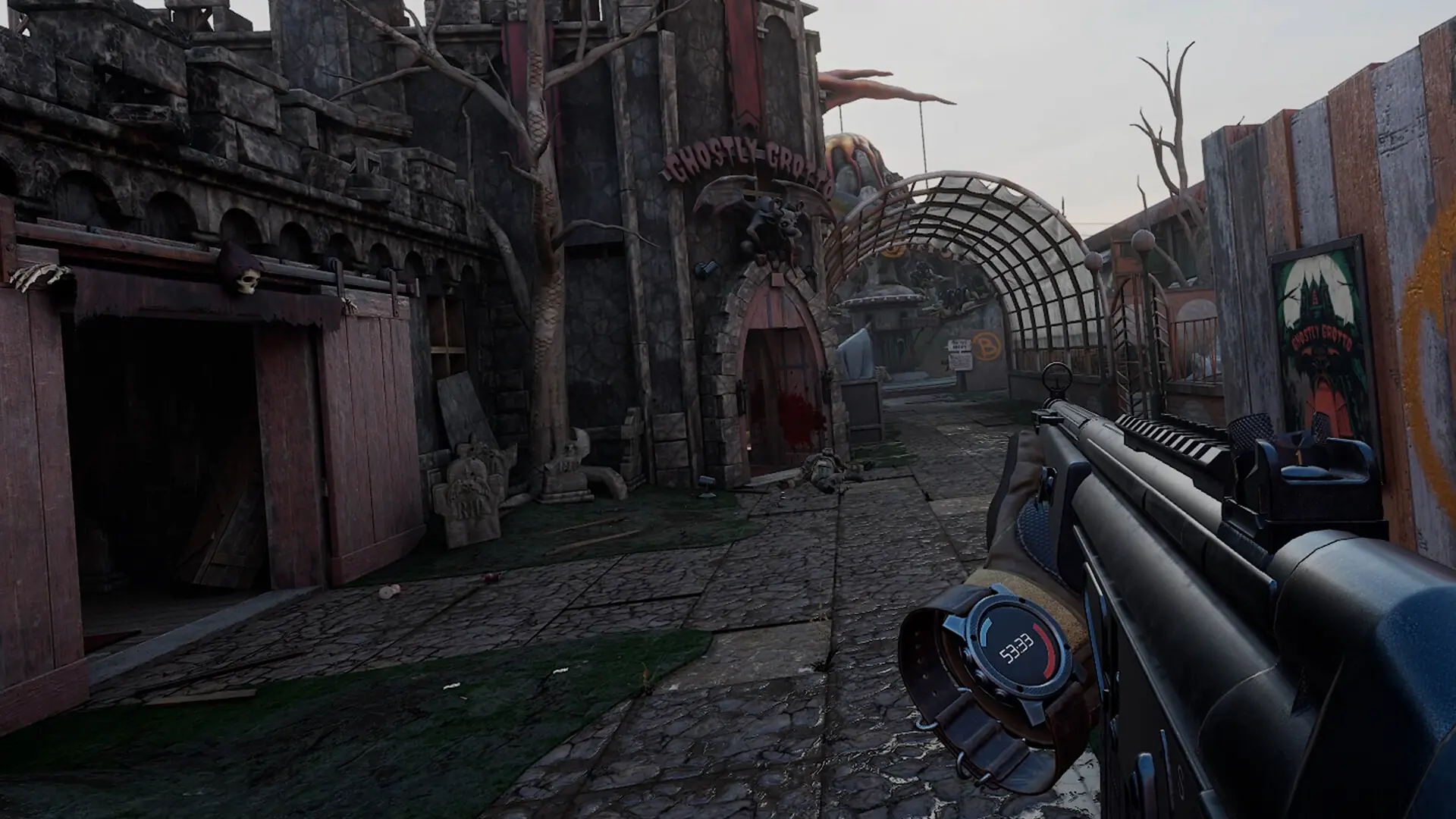
Your Pavlov VR server plays the maps in its rotation in order and moves to the next one when a match ends. The rotation is in the server's Game.ini file. A new server plays Search and Destroy on Datacenter, Deathmatch on Sand and Team Deathmatch on Bridge.
Editing The Map Rotation
- Log in to Bropanel and
Stopyour server. - In the sidebar, go to
Files. - Open
Pavlov/Saved/Config/LinuxServer/Game.ini. - Edit the
MapRotationlines, one map and game mode per line, in the order you want them played:MapRotation=(MapId="datacenter", GameMode="SND") MapRotation=(MapId="sand", GameMode="DM") MapRotation=(MapId="bridge", GameMode="TDM") - Save the file and start your server.
Stock Maps
Use these as the MapId: datacenter, sand, bridge, containeryard, siberia, hospital, killhouse, range, ww2range, santorini, station, industry, haguenau, harbor, bunker, carnival, foundation, japan, pinehill and autumn. Some maps also have a night version: datacenter_night, sand_night, containeryard_night, santorini_night, siberia_night, station_night and industry_night.
If the server doesn't know a MapId, it loads Datacenter instead.
Game Modes
| Game mode | GameMode |
|---|---|
| Search and Destroy | SND |
| Team Deathmatch | TDM |
| Deathmatch | DM |
| Gun Game | GUN |
| One in the Chamber | OITC |
| King of the Hill | KOTH |
| Trouble in Terrorist Town | TTT |
| Prop Hunt | PH |
| Infection | INFECTION |
| Push | PUSH |
| Tank Team Deathmatch | TANKTDM |
| WW2 Gun Game | WW2GUN |
| The Hidden | HIDE |
| Killhouse (co-op) | KH |
Not every map supports every game mode.
Custom Maps
Custom maps come from mod.io. Use UGC followed by the map's mod.io ID as the MapId: a map with the ID 1234567 is MapId="UGC1234567". The server downloads the map when it loads it.
Changing The Map Right Away
In the Console, RotateMap moves to the next map in the rotation, and SwitchMap followed by a map and a game mode loads that one, for example SwitchMap sand TDM. See RCON and Console Commands.