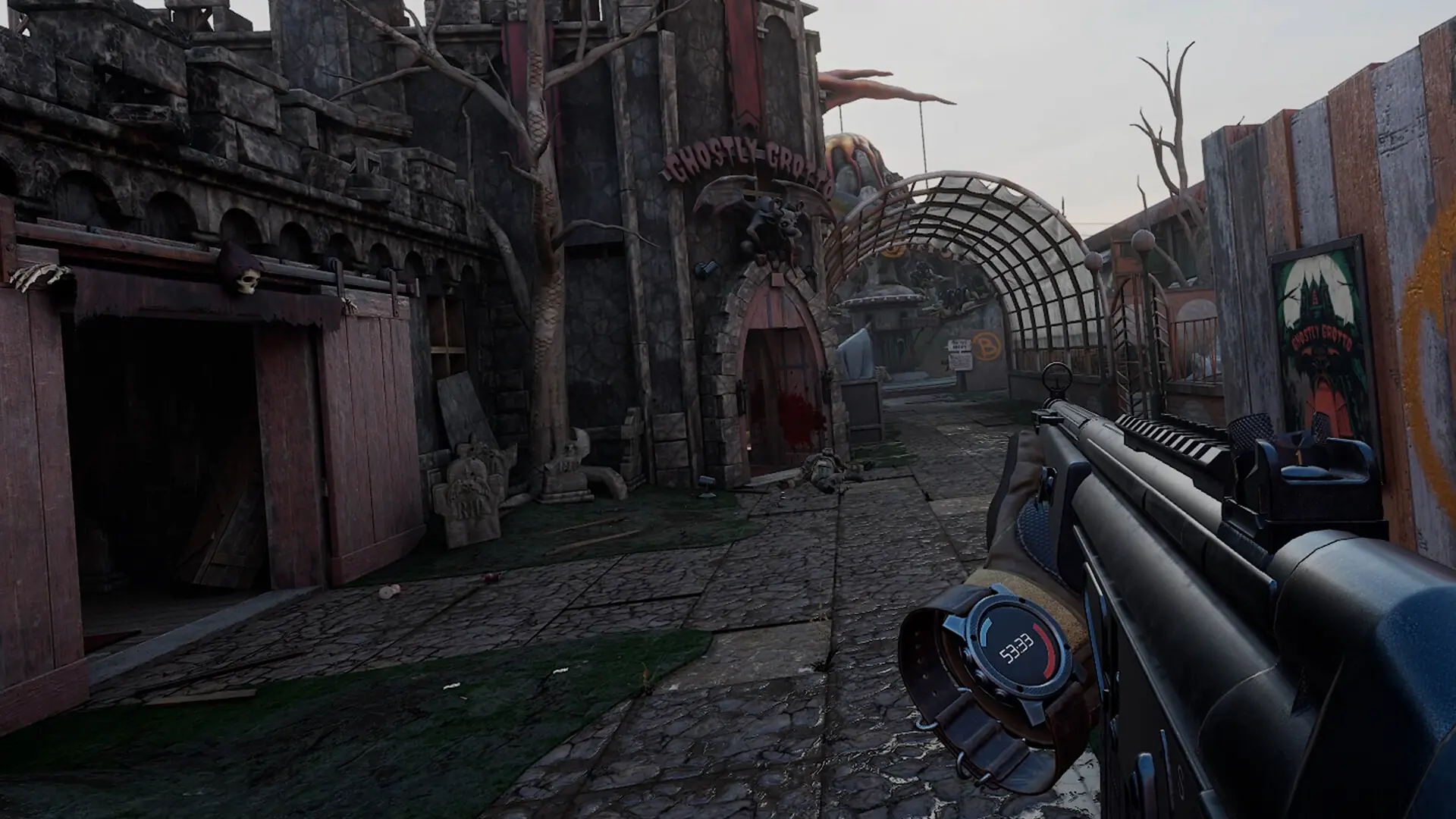
Max Players sets how many players can be on your server at once, from 1 to 50. The default is 24, which Pavlov recommends as the most for one server. With bots on, bots fill the empty slots up to this number.
Changing Max Players
- Log in to Bropanel and select your server.
- In the sidebar, go to
Settings. - Under
Basic, editMax Players. - Click
Save & Restartto apply your changes.