
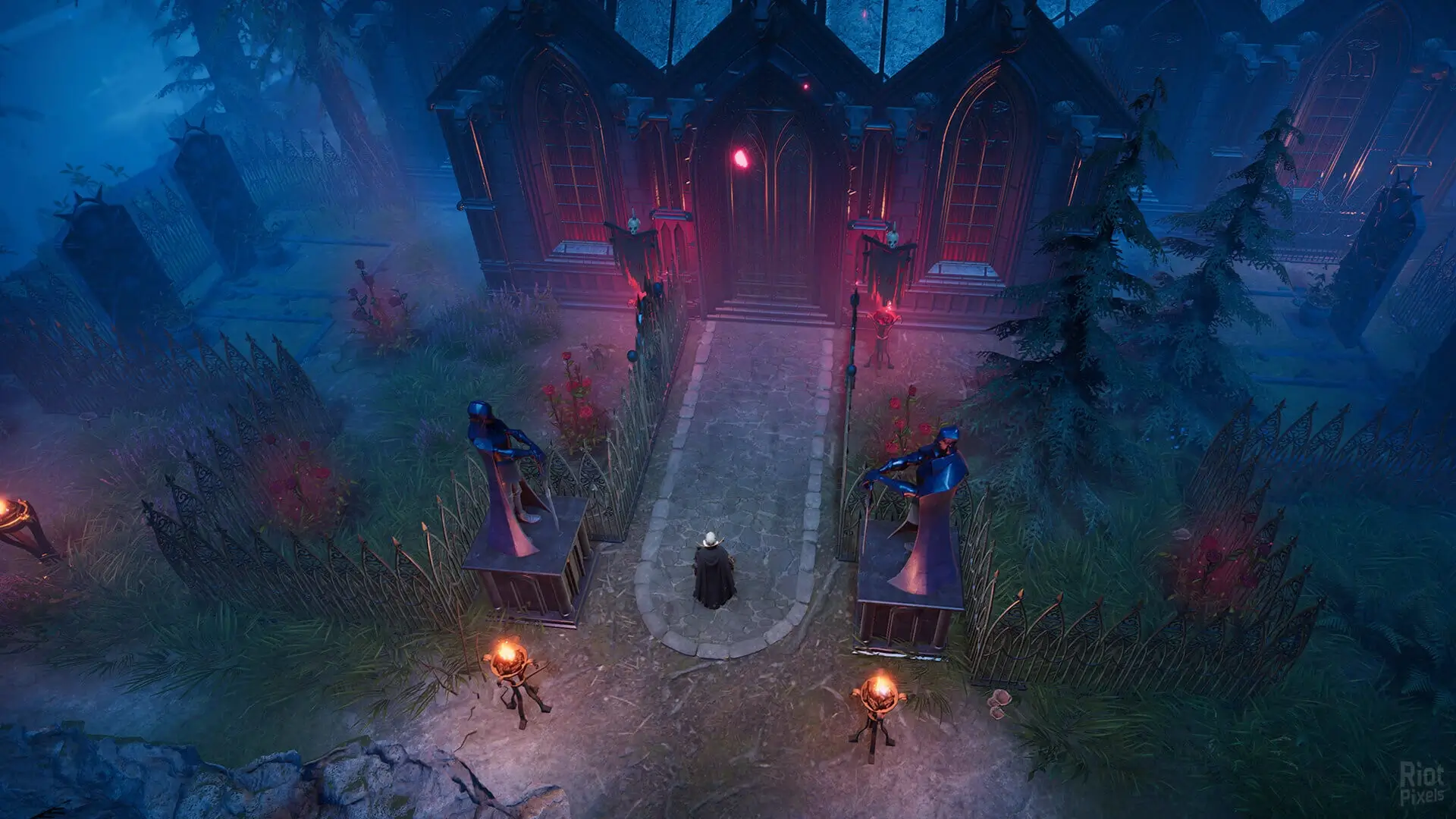
Here is how you can join your V Rising server by using the IP address via Console or the in-game server browser.
Direct Connecting With The In-Game Server Browser
- 1Log in to Bropanel and select your V Rising server.
- 2Copy your server IP address from the
Overviewpage. - 3Open V Rising, and click
Play → Online Play → Show All Servers → Direct Connect. - 4Paste your server IP address and then click connect.
Tip
You can also find your server by searching for its name in the sidebar.
How To Connect Using The Console
By default, you will need to enable Console in V Rising under General → Enable Console in settings to use this method.
- 1Log in to Bropanel and select your V Rising server.
- 2Copy your server IP address from the
Overviewpage. - 3In the V Rising main menu, press
~. - 4Type
connect [ServerIP].