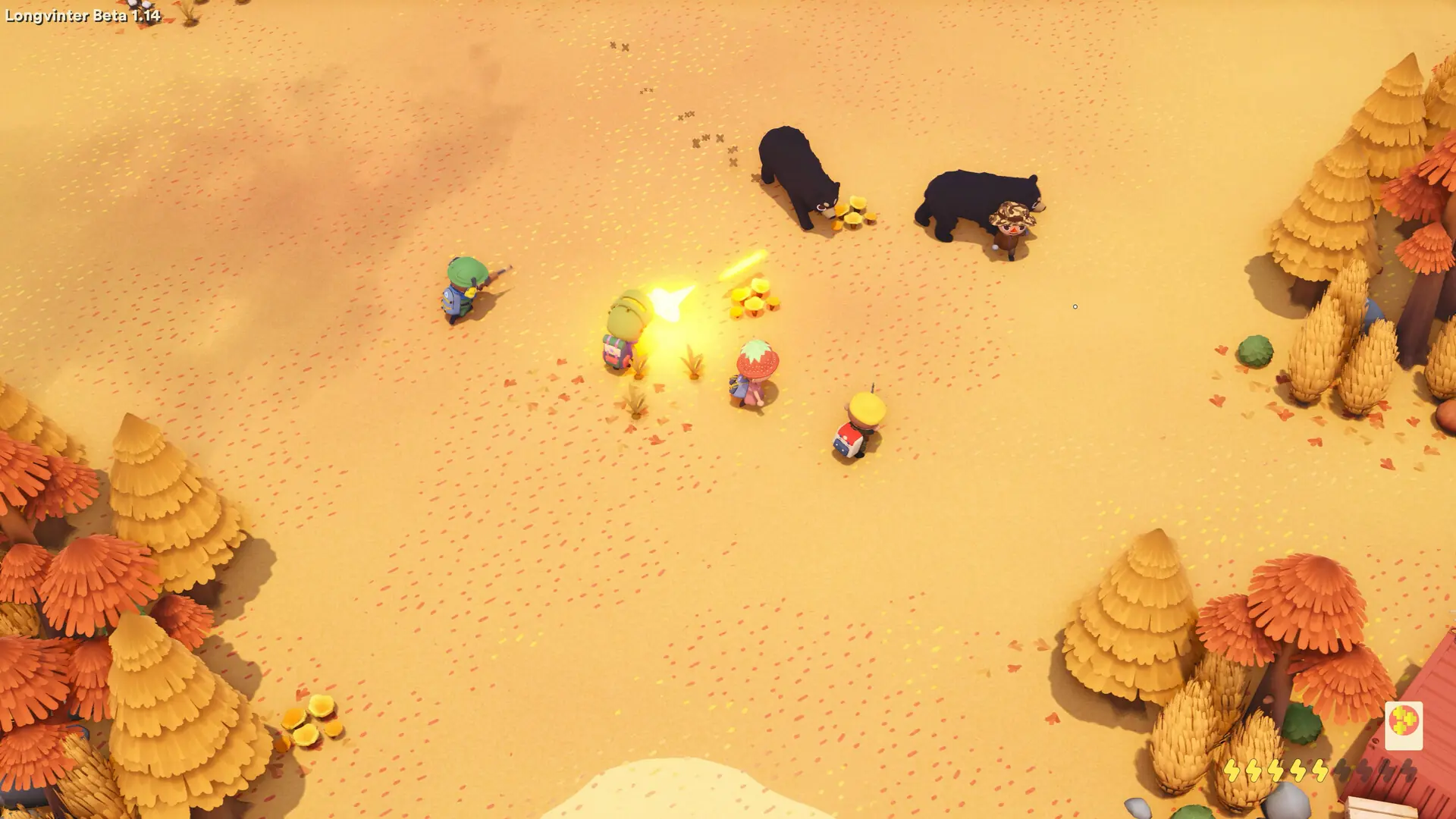
Admins on a Longvinter server can open the in-game admin panel to kick and ban players. Admins are added by their EOS ID, not their Steam ID.
Finding An EOS ID
- Open Longvinter and go to
Options. - Open the
Generaltab and scroll down to your EOS ID. - Copy the ID. It is 32 letters and numbers long.
Each admin finds their own ID this way and sends it to you.
Adding Admins
- Log in to Bropanel and select your server.
- In the sidebar, go to
Settings. - Under
Basic, editAdmin EOS IDsand paste the EOS IDs. Separate several IDs with a single space. - Click
Save & Restartto apply your changes.
Kicking And Banning Players
- Join your server with an admin account.
- Press
Escand clickAdmin panelin the top left. - Open the
Current Playerstab and click the plus icon next to the player. - Choose
Kickto disconnect them, orBanto keep them out until you lift the ban.
To lift a ban, open the Banned ID's tab in the admin panel and click UnBan next to the player's EOS ID.