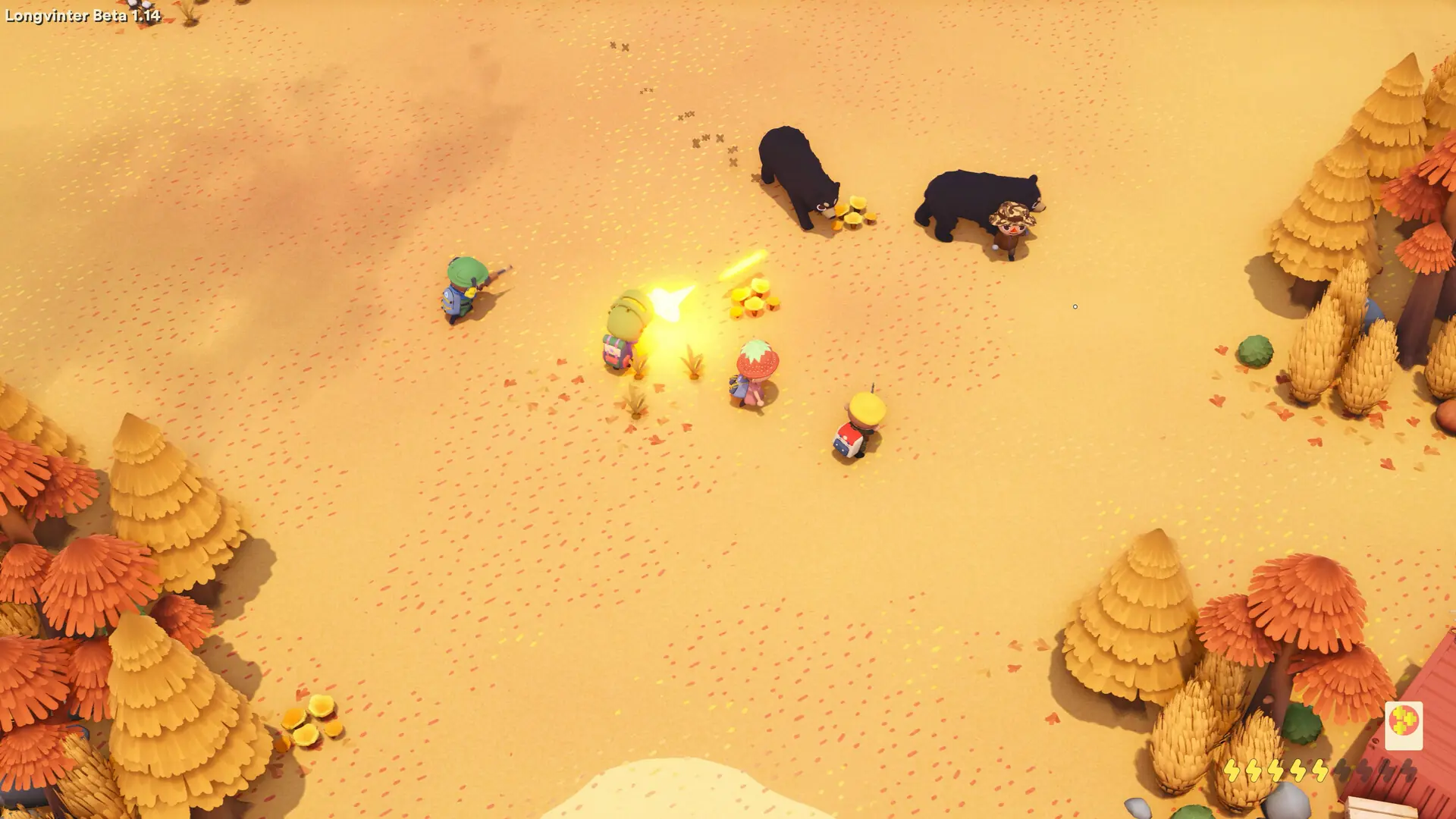
Players can only join a Longvinter server that runs the same version as their game. Your server keeps itself up to date: with Automatic Updates on, it installs the newest version from Steam every time it starts. While it runs, it checks for a new version every 30 minutes and restarts itself to install one.
Updating Your Longvinter Server
- Log in to Bropanel and select your server.
- In the sidebar, go to
Settingsand open theUpdatestab. - Make sure
Automatic Updatesis turned on.
My Server Still Didn't Update?
Ensure Automatic Updates is on in the Updates tab of Settings and then manually restart your server to forcefully check for an update. If your server still won't update, go to Settings and click Reinstall in the top-right, then select Verify integrity to re-download game files.
If you've done all the above then reach out to a bro on Discord or via a Support Ticket. We will help you get your server back up and running asap.