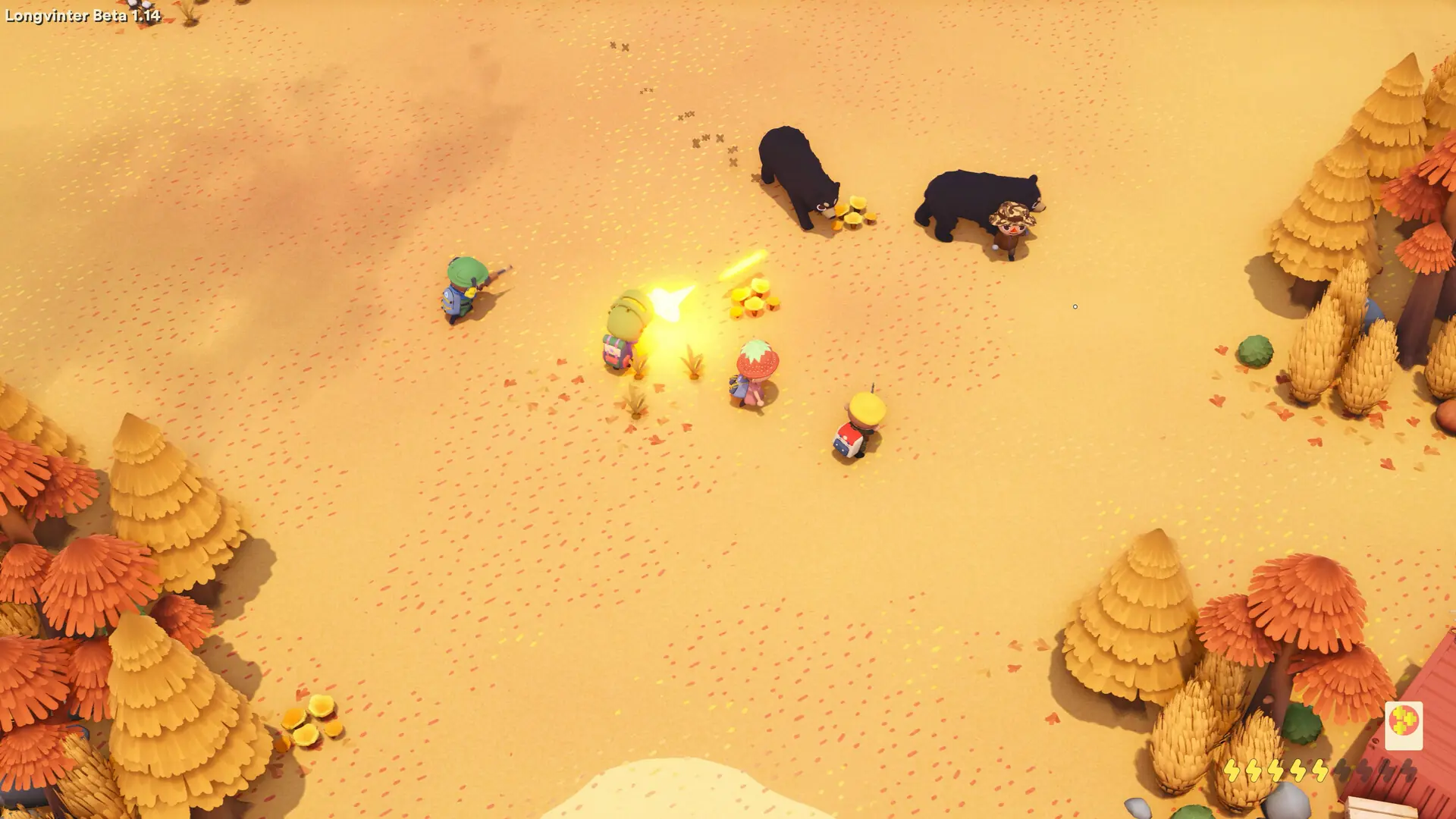
Here is how you can join your Longvinter dedicated server. You need Longvinter on Steam, updated to the latest version. No mods are needed to join.
Connecting With the IP Address
- Log in to Bropanel and select your server.
- Copy the server IP address and port from the
Overviewpage. - Open Longvinter and click
Server Browserin the main menu. - Click
Connect by IPabove the server list. - Enter your server's IP address and port into their separate fields.
- If your server has a password, enter it in
Password. - Click
Connect.
Example: If your server shows as 123.45.67.89:7777, it should look like this:
123.45.67.89
7777
Connecting From the Server Browser
- Open Longvinter and click
Server Browserin the main menu. - Select
Unofficial. - Search for your server name and select your server.
- Join the server. If you set a server password, enter it when asked.
Continue in the main menu takes you back to the last server you played on.