
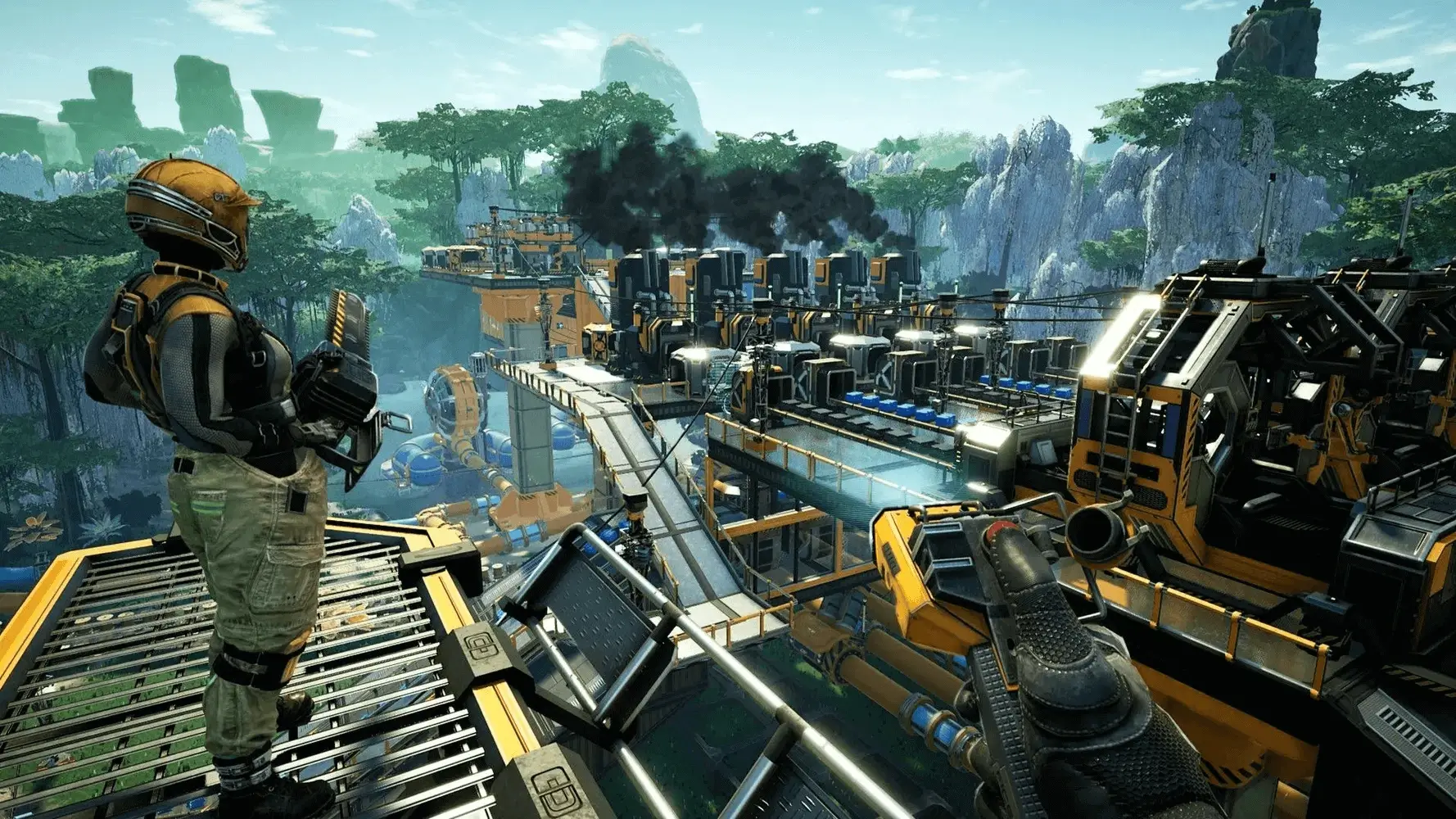
In this tutorial, we will guide you through the process of downloading your save file from your Satisfactory server. This is handy if you need to use a Satisfactory calculator.
Downloading Saves
- 1Firstly, Log in to Bropanel and
Stopyour Satisfactory server. - 2In the sidebar, go to
Files. - 3Navigate to
.config/Epic/FactoryGame/Saved/SaveGames/serverand download the latest autosave file.
Note
Make sure you're entering the .config folder on your server. Not to be confused with FactoryGame as Satisfactory dedicated servers don't store their files in the same location as local game clients.