
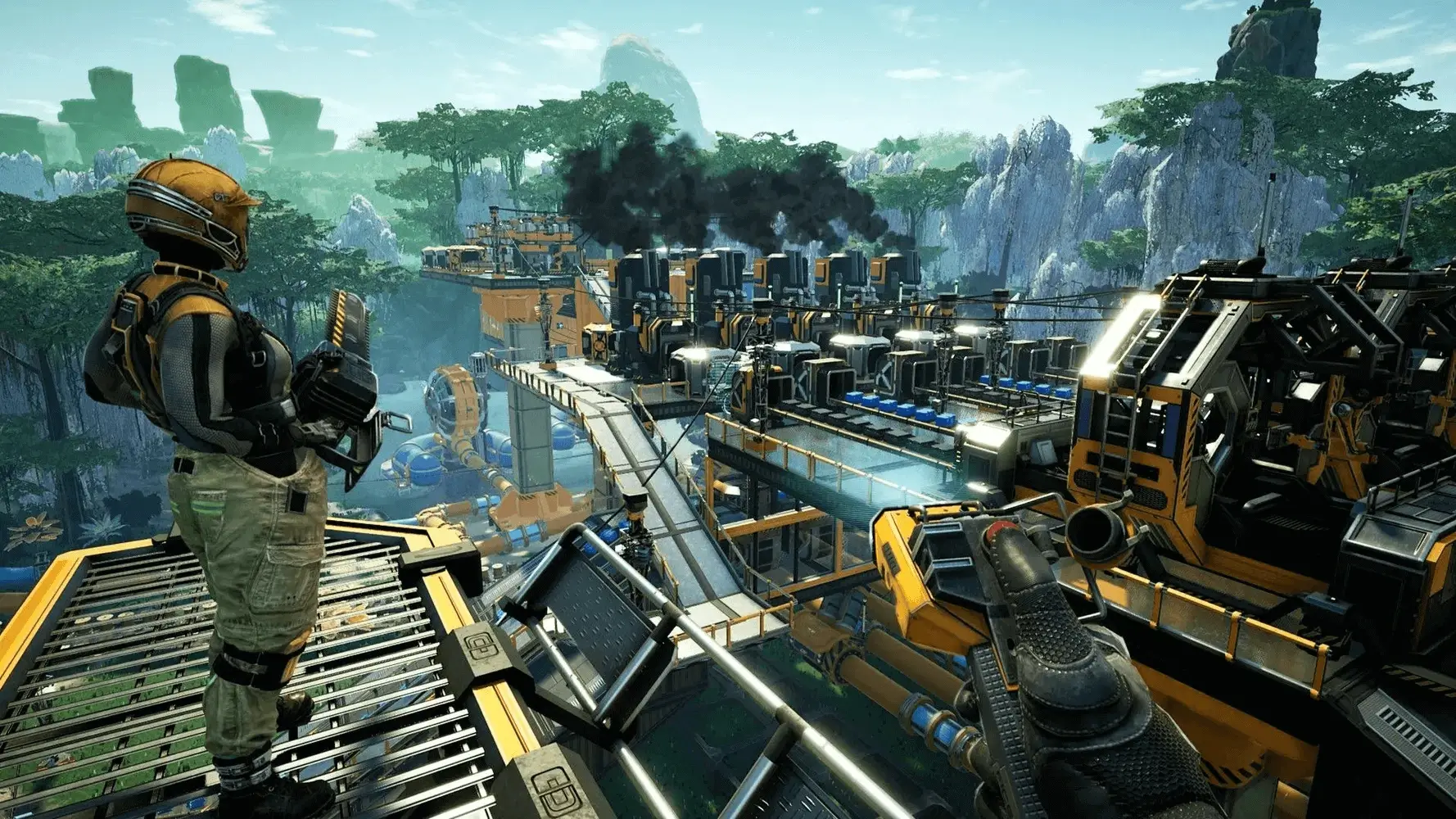
Here are common Satisfactory server issues and how to fix them.
No EncryptionToken specified, disconnecting.
This message happens when you try to join the server from the Join Game menu. You must join your Satisfactory server from the Server Manager.
Phantom Player Bug
If you disconnect from your Satisfactory server unexpectedly, the game may leave behind a phantom copy of your character that's still holding all of your inventory. This can also happen in singleplayer. It's sometimes called the duplicate player bug, the idle player bug, the phantom player bug, or the offline clone bug.
When you reconnect you'll spawn with an empty inventory, and you'll find your duplicate sitting on the ground drinking coffee. The clone won't react or show damage indicators when hit, but it can still be killed.
How to Recover Your Inventory
- 1Connect to your server and find the duplicate character.
- 2Attack the clone with any weapon until it dies.
- 3Loot the death crate to recover your inventory.
Server Crashing
This could be due to many different things, here are the two most probable, fixable causes for a Satisfactory server crash that we've seen.
Out Of Memory
The larger your factory, and the more friends you have connected, the more resources your server will need to run. You can check the crash logs by going to Console, then scrolling down to Recent Activity and clicking View audit logs. If it reports the server crashed due to running out of RAM and this is happening frequently you will need to upgrade your server.
- We only recommend upgrading when it's necessary to match the demands of your server.
Autosave Crashing Server Unable To Start
While much, much rarer, Satisfactory just like any other game isn't perfect and has bugs, whatever was happening in-game right before the most recent autosave caused the autosave to corrupt. Or it's possible your server ran out of RAM while saving. If the broken autosave is on your server it will cause your server to be unable to start. Here's how to fix it.
- 2In the sidebar, go to
Files. - 3Navigate to
.config/Epic/FactoryGame/Saved/SaveGames/server. - 4Delete the most recent autosave.
- Check
Last Modifiedfor the timestamps. - Filesize may also be an indicator of a failed autosave.
- Check
- 5Start your server.
This should solve the issue, but if it doesn't, delete the next most recent autosave and then repeat the process. If it continues to happen please reach out to a bro.
Tier 0 has been skipped
Currently, Tier 0 (Onboarding) is not possible to play on a dedicated server and it will be automatically unlocked, even if you upload a save in Tier 0. If you would like to play the beginning of the game with Onboarding, it is recommended you play local multiplayer first, and then upload your save to your server after completing Tier 0.
This seems intentional as the onboarding doesn't really make sense for a dedicated server.
Server will restart in 60 minutes
Over time, servers can have stability issues and require a daily restart. Usually this is left to the server operators but Satisfactory has built this feature into the game. This happens at 00:00 UTC every day. If you'd like to change this setting simply open Satisfactory and in the main menu go to Server Manager → Server Settings and under Gameplay there will be a slider for Server Restart Interval.