
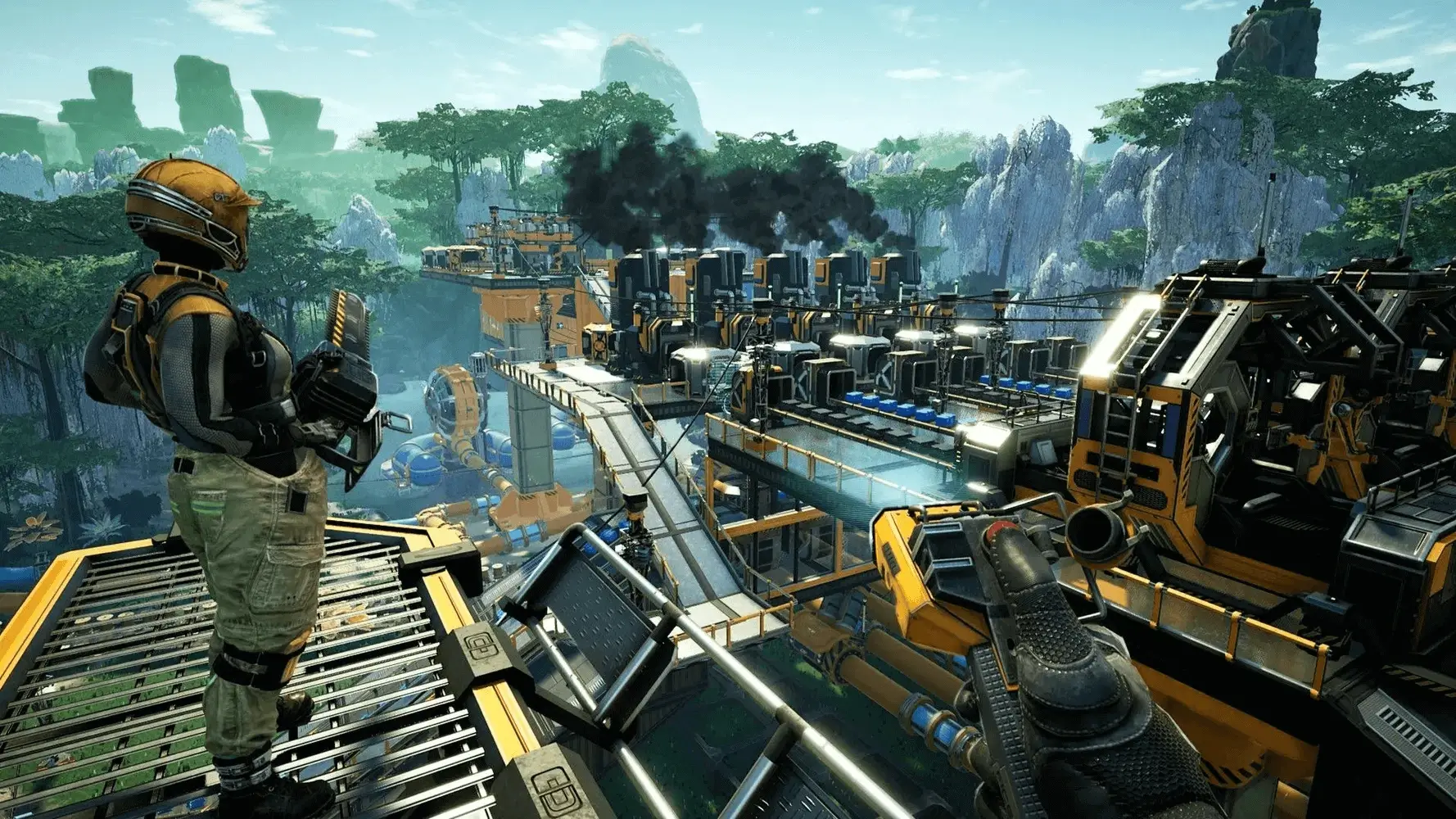
Blueprints are a game-changing feature that lets you save and replicate intricate factory layouts, efficient production lines, and stunning architectural designs. In this guide you will learn how to add blueprints to your Satisfactory server.
- 1Visit the Satisfactory Calculator website and download the blueprint you want.
- 2Log in to Bropanel and
Stopyour Satisfactory server. - 3In the sidebar, go to
Files. - 4Go to the path
.config/Epic/FactoryGame/Saved/SaveGamesand then create a folder calledblueprints..configEpicFactoryGameSavedSaveGamesblueprints - 5Create a folder the same as your save name (session name) and then drag in your
.sbpfiles. - 6Start your server.
Note
Make sure you're entering the .config folder on your server. Not to be confused with FactoryGame as Satisfactory dedicated servers do not store their files in the same location as local game clients.