
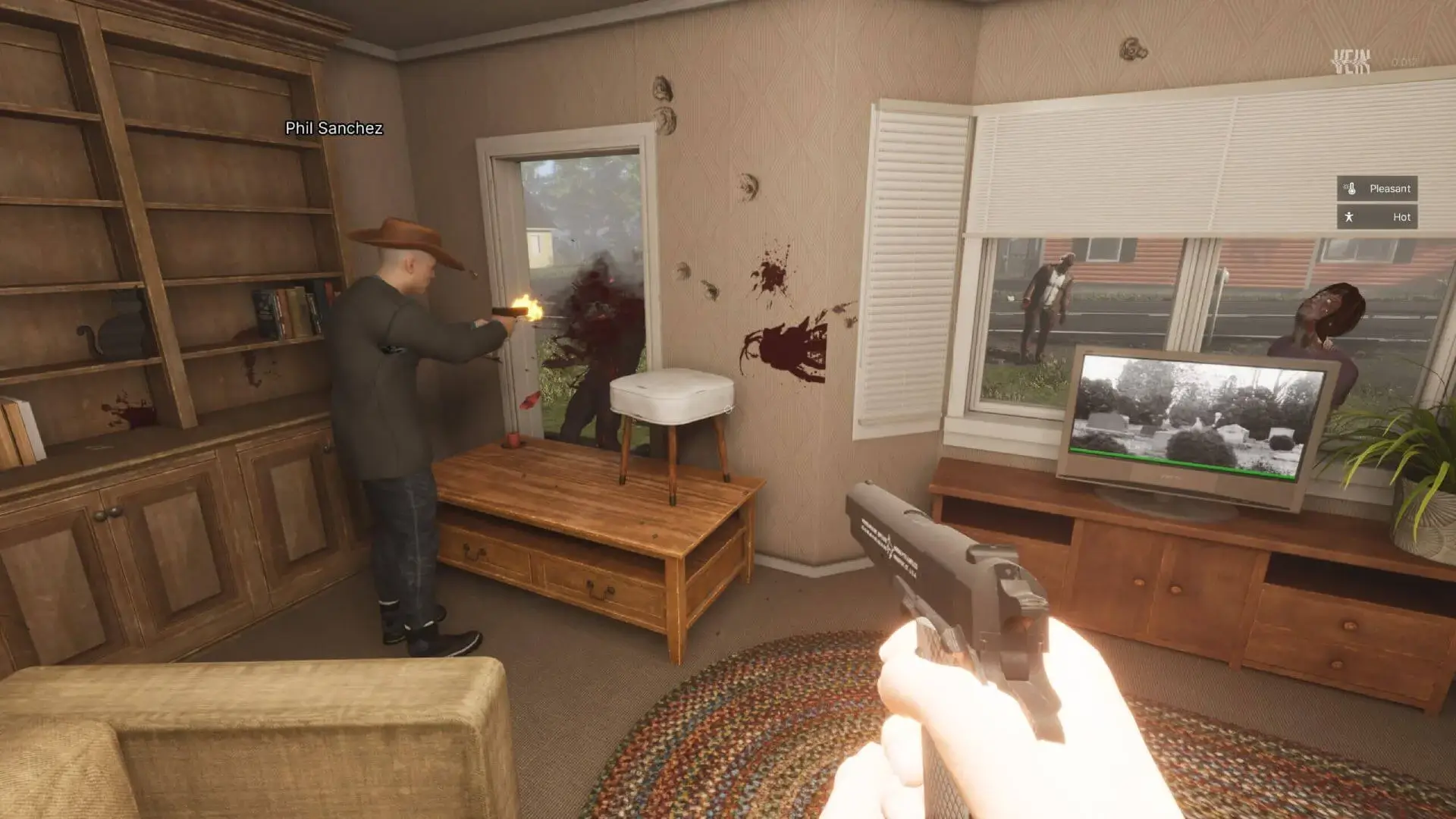
This guide will show you how to set up a Discord webhook to receive in-game chat messages from your VEIN server directly to your Discord server. You can also set up a separate webhook for admin chat messages.
Creating A Discord Webhook
- 1Open Discord and navigate to the channel where you want to receive server messages.
- 2Click the gear icon next to the channel name to open
Channel Settings. - 3Navigate to
Integrationsin the left sidebar. - 4Click
Create Webhookand give your webhook a name. - 5Click
Copy Webhook URLto copy the webhook URL to your clipboard. - 6Save your changes.
Adding The Webhook To Your VEIN Server
- 1Log in to Bropanel and select your server.
- 2In the sidebar, go to
Settings. - 3Under
Advanced, findDiscord Chat WebhookorDiscord Admin Chat Webhook. - 4Paste your Discord webhook URL into the field.
- 5Click
Save & Restartto apply your changes.
Now your VEIN server will send in-game chat messages to your Discord channel and players will be able to see chat activity even when they're not connected to your server.